22 Xerox Phaser 5400 Laser Printer
Loading Media
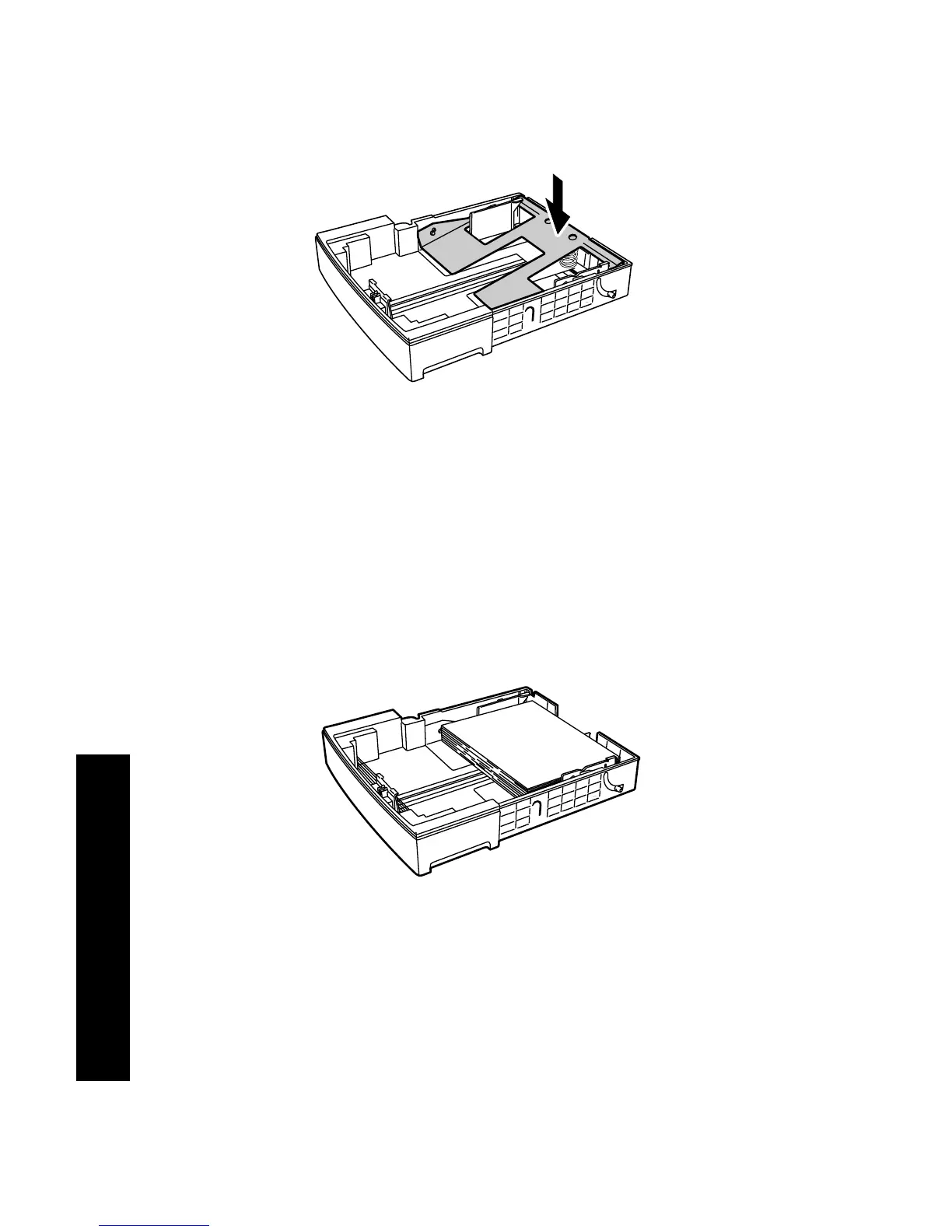
5. If the tray’s metal base plate remains raised, press it down to
lock it.
Note
To reduce the possibility of misfeeds and jams, fan the stack
of paper before inserting it into the tray.
6. Align the four corners of the paper stack and insert it into the tray
with the side to be printed on facing up. Make sure that the paper
is placed at the center of the tray, under the retaining clips on
both sides.
.
3925-23
3925-24










 To Next Page