Maintenance
166 WorkCentre 7500 Series Multifunction Printer
User Guide
Routine Maintenance
This section includes:
Replacing the Toner Cartridges ................................................................................................................................... 166
Replacing the Waste Toner Container ...................................................................................................................... 168
Replacing the Drum Cartridges .................................................................................................................................... 170
Replacing the Transfer Belt Cleaner .......................................................................................................................... 173
Replacing the Second Bias Transfer Roll .................................................................................................................. 175
Resetting Supply Life Counters .................................................................................................................................... 178
Emptying the Hole Punch Waste Container ........................................................................................................... 179
Replacing Staple Cartridges .......................................................................................................................................... 182
Replacing the Toner Cartridges
A message appears on the control panel when a toner cartridge must be replaced.
CAUTION: Do not perform this procedure when the printer is copying or printing.
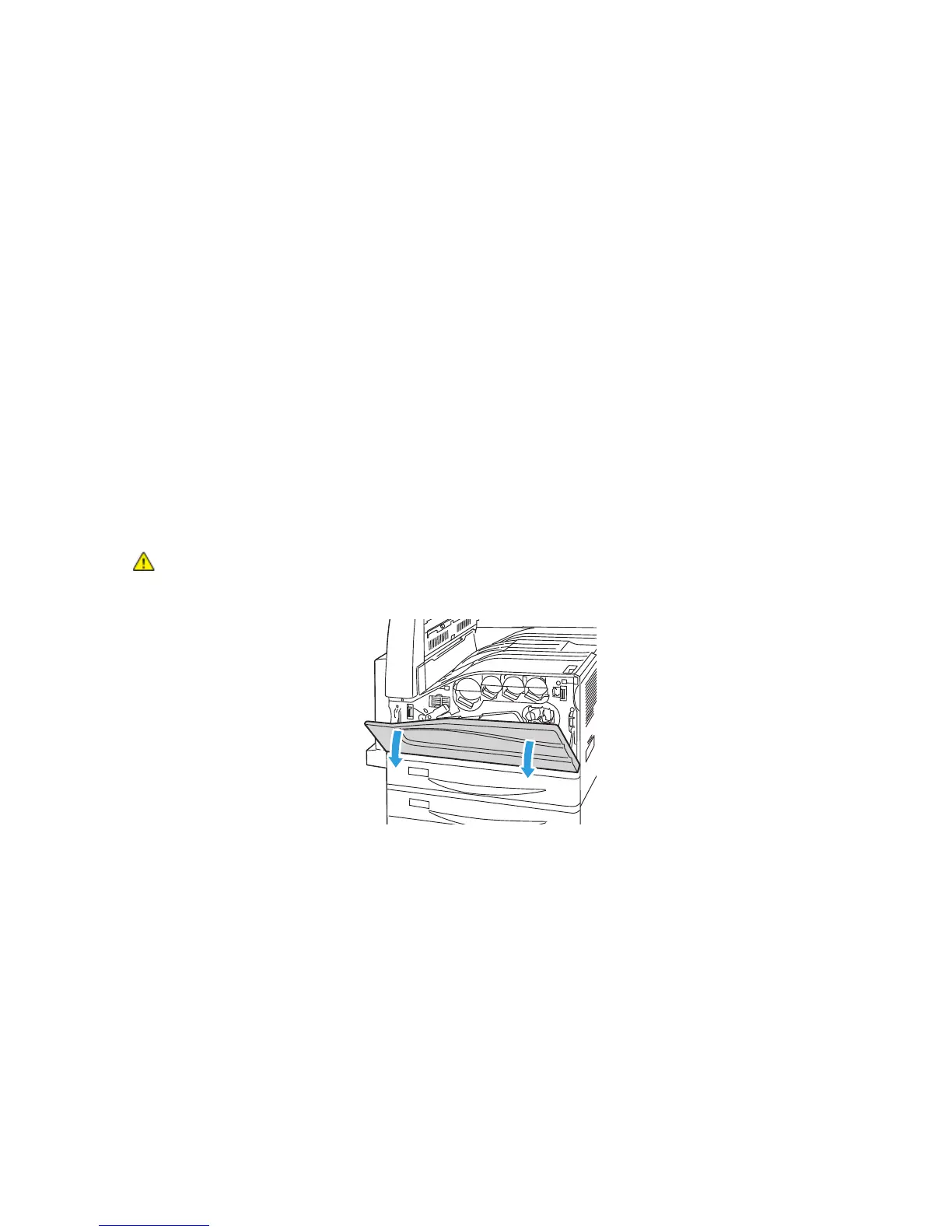
1. Open the front cover of the printer.












 To Next Page