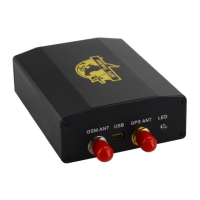
XT-009 Gps tracker user manual
15
9.23 OTA feature
Can update firmware remotely when the GPRS and SD card work normally
z Setup: Send SMS :fota +password+ ,ftp,v120705.bin,121.37.40.240,user,+888999+,21
it will reply “fota OK”
v120705.bin, is the name of the file which you need upgrade,
121.37.40.240, is a remote server IP address,
user, is a remote server user name,
888999, is a remote server password,
21 is a remote server port,
(Note: each is separated by “,”)
Since receive “fota OK”,the tracker starts downloading the file waiting about 5 minutes later the
platform receive “Download successful! Restarting…” it means download file successful, then
the tracker start update firmware automatically ,after 2 minutes later the platform receive
“Remote upgrade successful !!!”it means upgrade firmware successfully.
10. Monitor mode
z Setup: Send SMS : monitor +password it will reply “monitor OK”
When you call tracker, you can hear voices and sounds around tracker.
z Cancel: Send SMS :tracker +password it will reply “tracker OK”
Transfer to tracking mode .


 To Next Page