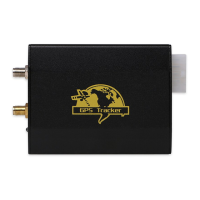
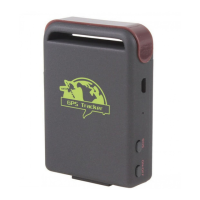
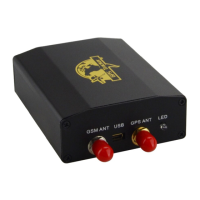
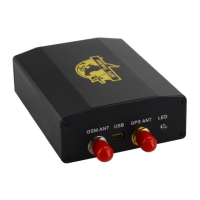
XT-009 Gps tracker user manual
17
Tracker sends message to server using this format:
[serial number],[authorized number],[GPRMC],[type of fix GPS],[message],imei:[imei
number],[number fix satellites],[altitude],[battery status],[charging status],[Length],
[crc16],[MCC],[MNC],[LAC],[CellID]
[serial number]
GPS date+GPS time
[authorized number]
Tracker authorized number
[GPRMC]
Nmea GPS info string
[type of fix GPS]
“F” GPS fix, “L” no GPS fix
[message]
it indicates message type
(help me!, speed, moved, etc.)
imei:[imei number]
The identify number of GSM module
[number fix satellites]
GPS satellite fixed number
[altitude]
GPS received altitude
[battery status]
“F:4.11V” full battery, “L:3.65V” low battery
[charging status]
“1” in charge, “0” no charge
[GPSlen]
GPS string length
[crc16]
CRC16 checksum
[MCC]
Mobile Country Code
[MNC]
Mobile Network Code
[LAC]
Location area Code
[CellID]
GSM cell identities
For example:
090907070718,13145826175,GPRMC,070718.000,A,2234.0228,N,11403.0764,E,0.00,,07090
9,,,A*73,F,,imei:354776030042714,05,50.1,F:4.11V,0,132,40512,460,01,2533,720B
Notes:
• GSM ID can be added or deleted according to customer’s requirement.
• Our tracker supports TCP or UDP protocol: please confirm what protocol you need before
order.
• Please use SIM card with GPRS function.
12 Cautions
Comply with instructions for use will extend the product life cycle.
• 1. Keep the unit dry. Any liquid as rain, moisture, etc, may destroy or damage electronic
mainboard.
• Don’t use or store tracker in dusty places.


 To Next Page