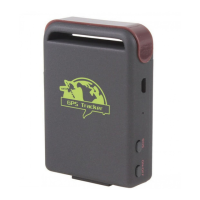
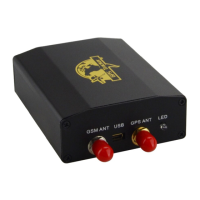
XT-009 Gps tracker user manual
7
Send begin + password to the tracker, it will reply begin ok and initialize all settings.
9.2 Changer password
Send SMS password+old password+space+new password, it will reply password OK.
the default password is 123456
9.3 Set authorized number
z Send SMS admin+password+space+cellphone number to set up the first authorized
number.
it will reply admin ok. Other authorized numbers must be set by the first authorized number.
Max 5 authorized numbers.
z Send SMS noadmin+password+space+authorized number to cancel an authorizated
number
From:13188888888
password ok
TO:13188888888
begin123456
To:13188888888
password123456 888999
From:13188888888
begin ok
To:13188888888
admin123456 131666666
From:13188888888
Admin OK


 To Next Page