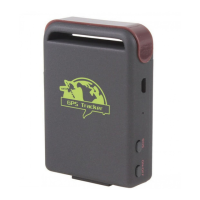
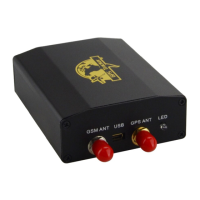
XT-009 Gps tracker user manual
16
11. GPRS set
z Set IP address and port
Send SMS
adminip+[password]+space+[IP address]+space+[port]
Tracker will reply with SMS “ADMINIP ok!”
Cancel
Send SMS
noadminip+[password]
z Set APN
Send SMS
apn+[password]+space+[APN]
Tracker will reply with SMS “APN ok!”.
Cancel
Old APN will be deleted automatically when you set a new APN.
z Set APN User Name
Send SMS
apnuser+[password]+space+[APN user name]
Tracker will reply with SMS “APNUSER ok!”.
Cancel
Old APN user name will be deleted automatically when you set a new APN user name.
z Set APN Password
Send SMS
apnpasswd+[password]+space+[APN password]
Tracker will reply with SMS “APNPASSWORD ok!”.
Cancel
Old APN password will be deleted automatically when you set a new APN password.
After you set IP & Port & APN & APN user name & APN password, you can use the tracker as
describe in monitor or Tracker mode. Tracker will report the GPS data to server by GPRS.


 To Next Page