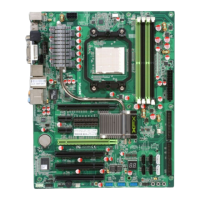
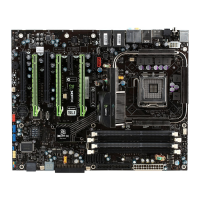
XFX nForce 790i 3-Way SLI Motherboard
iii
Table of Contents
User Guide .....................................................................................................................i
XFX nForce 790i Ultra 3-Way SLI Motherboard ............................................................i
Before You Begin… .....................................................................................................ix
Inside the 780i 3-Way SLI Installation CD ...............................................................ix
Parts NOT in the Kit ..................................................................................................x
Intentions of the Kit ..................................................................................................xi
XFX nForce 790i Ultra SLI Motherboard.......................................................................1
Motherboard Specifications...................................................................................... 1
Unpacking and Parts Descriptions...............................................................................3
Unpacking ................................................................................................................ 3
Equipment ................................................................................................................ 3
XFX nForce 790i Ultra SLI Motherboard.................................................................. 4
Hardware Installation ....................................................................................................7
Safety Instructions.................................................................................................... 7
Preparing the Motherboard ...................................................................................... 8
Installing the CPU ................................................................................................ 8
Installing the CPU Fan ......................................................................................... 9
Installing Memory DIMMs..................................................................................... 9
Installing the Motherboard...................................................................................... 10
Installing the I/O Shield ...................................................................................... 10
Securing the Motherboard into the Chassis....................................................... 11
Connecting Cables and Setting Switches .............................................................. 11

 To Next Page
 Loading...