16
Instructions Daily Maintenance
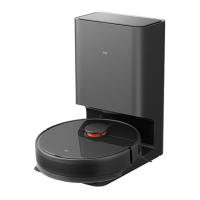
Charging Dock
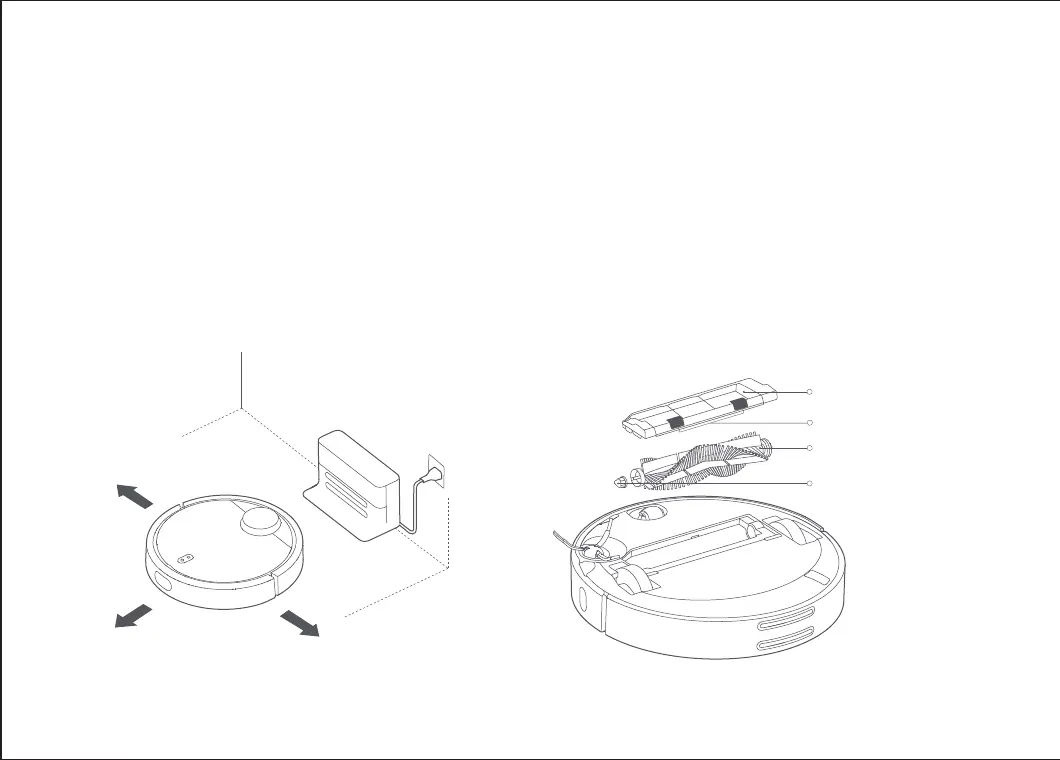
Place the charging dock against the wall and level on the ground.
Ensure 0.5 meters or more space on either side of the charging
dock and 1 meter or more in front before connecting it to the
power socket. Please ensure that the charging dock is in range
of Wi-Fi for a beer mobile experience.
Note: Ensure that you do not place the charging dock in an area that
receives much sunlight or where there are any other objects that may
block the dock's identification zone or it may negatively affect the unit's
ability to return to the dock.
Note: It is recommended that you replace the main brush every 6-12
months for optimal cleaning effectiveness.
Main Brush* It is recommended that you clean it once a week
1. Flip the device over and remove the main brush cover by
holding down the clip.
2. Pull the main brush up and clean the main brush axle.
3. Use the accessory main brush cleaner to remove any
tangled hairs on the main brush.
4. Reinstall the main brush. Fix the clip back by applying
pressure to the cover.
Clip
Main Brush
Main Brush Cover
Main Brush Axle
>0.5 m
>0.5 m
>1 m










 To Next Page