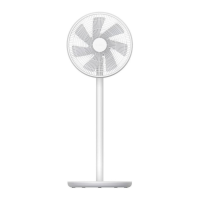
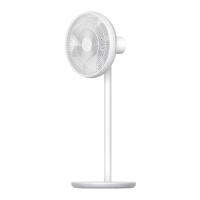
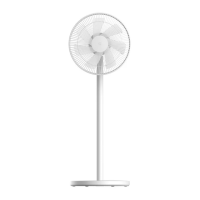
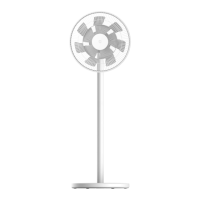
Installation of the rear protective mesh
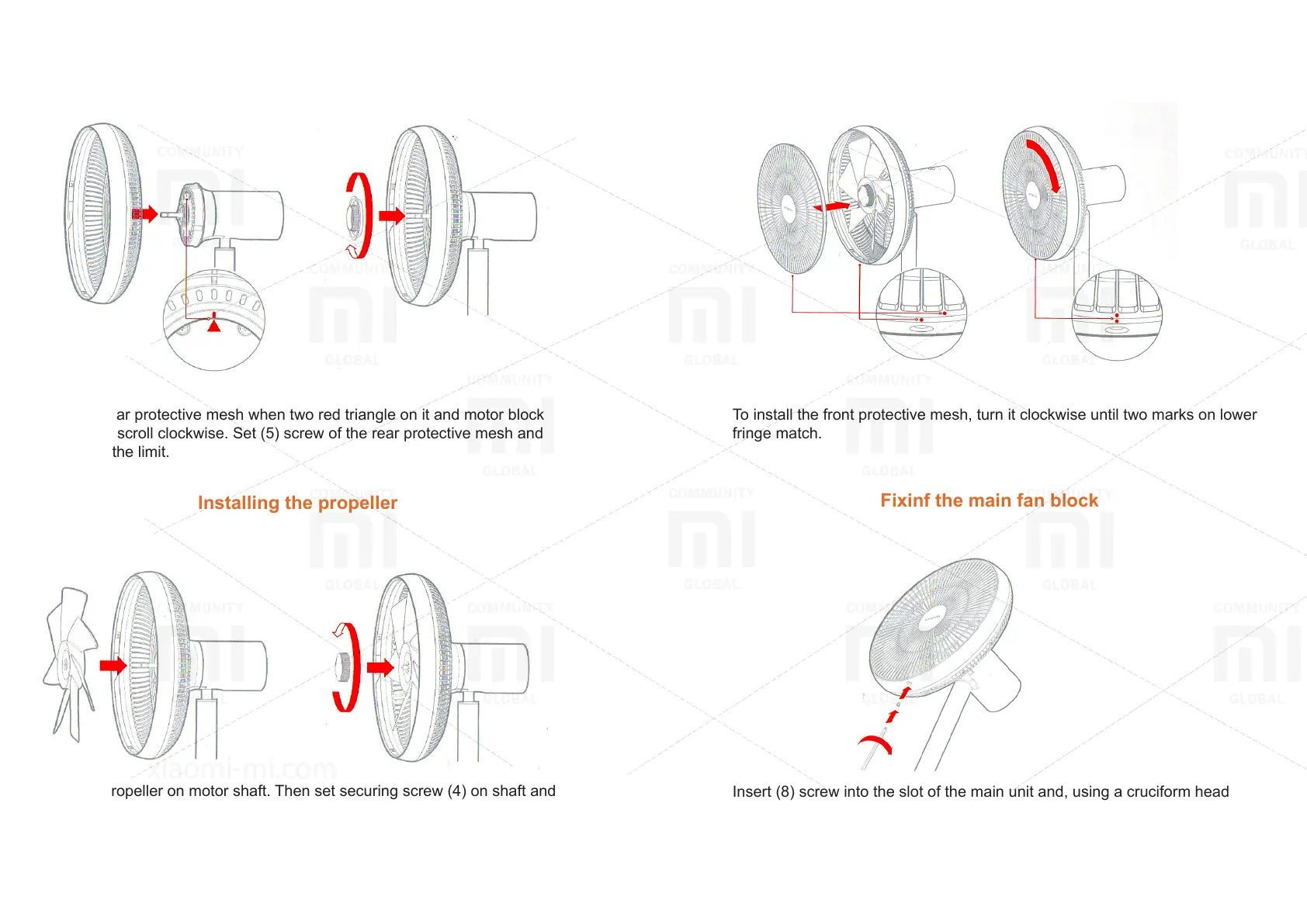
Install the rear protective mesh when two red triangle on it and motor block
match, then scroll clockwise. Set (5) screw of the rear protective mesh and
tighten it to the limit.
Installing the propeller
Install the propeller on motor shaft. Then set securing screw (4) on shaft and
scroll counterclockwise to the limit.
Installation of the front protective mesh
To install the front protective mesh, turn it clockwise until two marks on lower
fringe match.
Fixinf the main fan block
Insert (8) screw into the slot of the main unit and, using a cruciform head
screwdriver, tighten it to the limit.


 To Next Page
 Loading...