9
How to Install
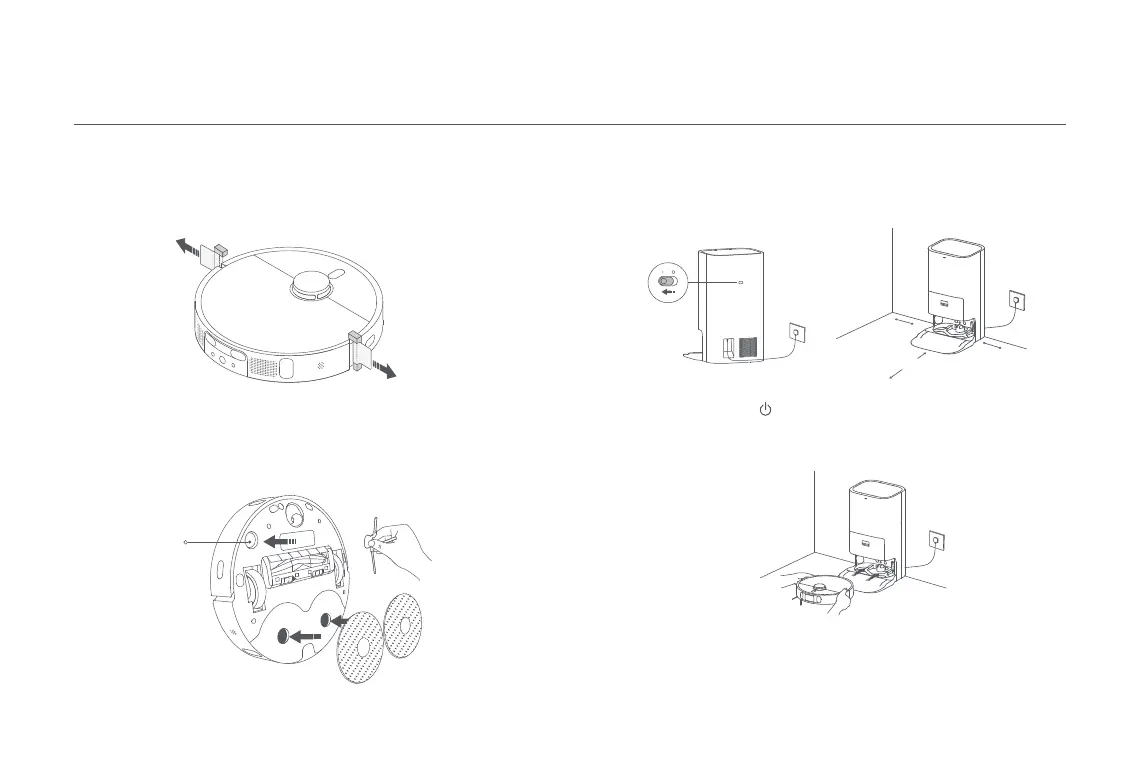
Remove Protective Coverings
Install the Side Brush and the Mop Assembly
Before using the robot vacuum, remove the protective strips from both
sides.
Install the side brush onto the clip on the bottom of the robot vacuum,
and then install the mop assembly into the mounting holes.
Side Brush Clip
Place the omni station near an electrical outlet in an area with a good
Wi-Fi signal. Then connect the station to power.
Note: Do not place any items within the range of 0.5 m at either side or within 1.5 m in
front of the omni station.
Place the Omni Station
Turn on the
omni station
> 1.5 m
> 0.5 m
> 0.5 m
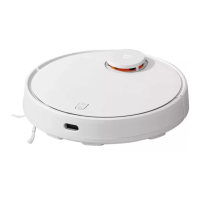
Press and hold the button on the robot vacuum for 3 seconds to turn it
on. Place the robot vacuum on the omni station with the mop assembly
facing towards the cleaning tray on the station. Then you will hear a voice
notification when the robot vacuum successfully connects to the station
and starts charging.
· It is recommended to fully charge the robot vacuum before its first use. When the
robot vacuum cannot be turned on after the battery is depleted, manually connect
the robot vacuum with the omni station to charge it.
· The robot vacuum will not turn off when connected to the omni station.
· When using the robot vacuum for the first time, it is recommended to follow the
robot vacuum and remove any obstacles on the ground. If the robot vacuum
may get stuck or scratch the surface of the furniture in some areas, you can set
restricted areas in the app to prevent the robot vacuum from entering those areas.
Notes:
Place the Robot Vacuum










 To Next Page