8
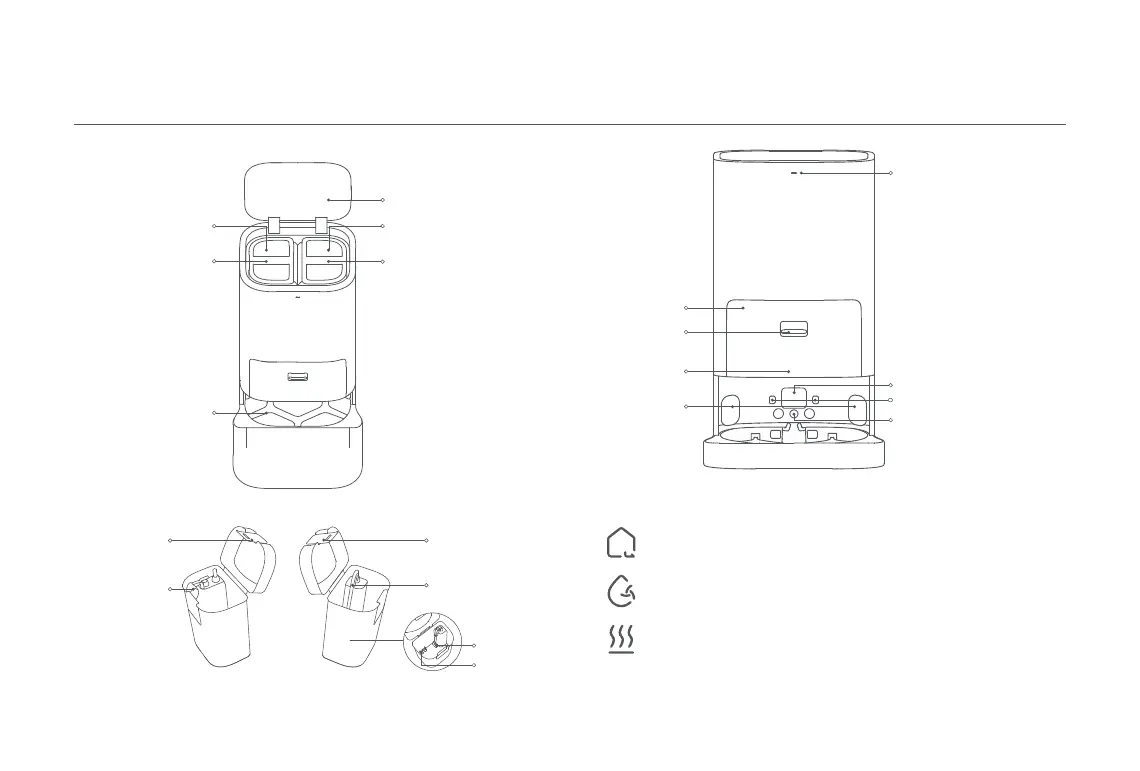
Handle
Cleaning Tray
Dirty Water Tank
Water Tank Clip
Float Ball
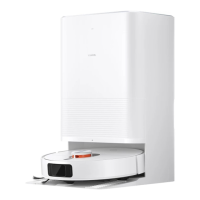
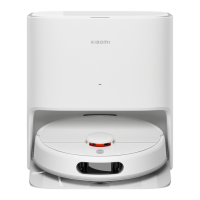
Omni Station
Handle
Clean Water Tank
Water Tank Clip
Water Pipe
Filter
Floater
Clean Water TankDirty Water Tank
Cover
Indicator
·
White: The omni station is
connected to power
·
Quickly blinking orange: The
omni station has an error
Signaling Area
Charging Contacts
Automatic Water
Adding Inlet
Dust Cabinet
Dust Cabinet
Release Button
Dust Cabinet Cover
Auto-empty Vent
Omni Station Buttons
Notes:
· The buttons on the omni station will work only when the robot vacuum is
connected to the station.
· Before cleaning or maintaining the cleaning tray and the omni station, remove the
robot vacuum from the omni station.
Press to make the robot vacuum leave the omni station.
Press to make the robot vacuum clean all areas.
Press to make the omni station start or stop drying the mop pads.
Leave Button
Clean Button
Dry Button










 To Next Page