http://xim.tech
XIM NEXUS
Editing Experience
Standard vs. Expert Editing Experience
XIM NEXUS Manager offers two different types of Config editing modes: Standard and Expert
Standard Editing: The default editing experience. Only the most common
settings are available. This mode is intended to be used by beginners.
Expert Editing: When activated, this mode presents all settings
available to the user.
This User Guide covers the complete set of settings and features available to you. When you edit
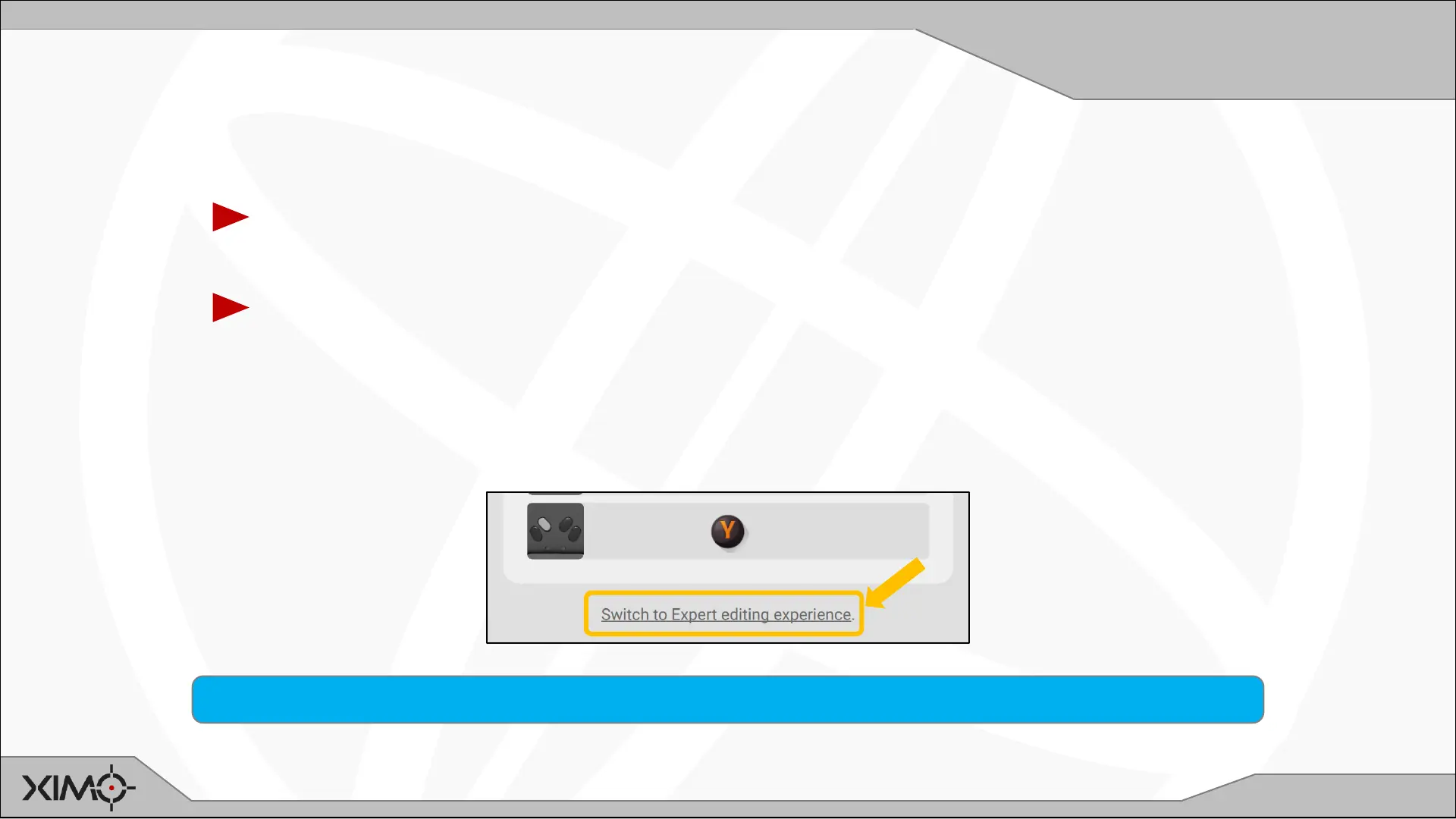
your Config for the first time, you will need to switch to the Expert editing experience to access all
settings. To do so, scroll down and select the link:
All your settings changes are preserved if you switch between Standard and Expert editing modes.



 To Next Page