http://xim.tech
XIM NEXUS
Wireless
Wireless Performance
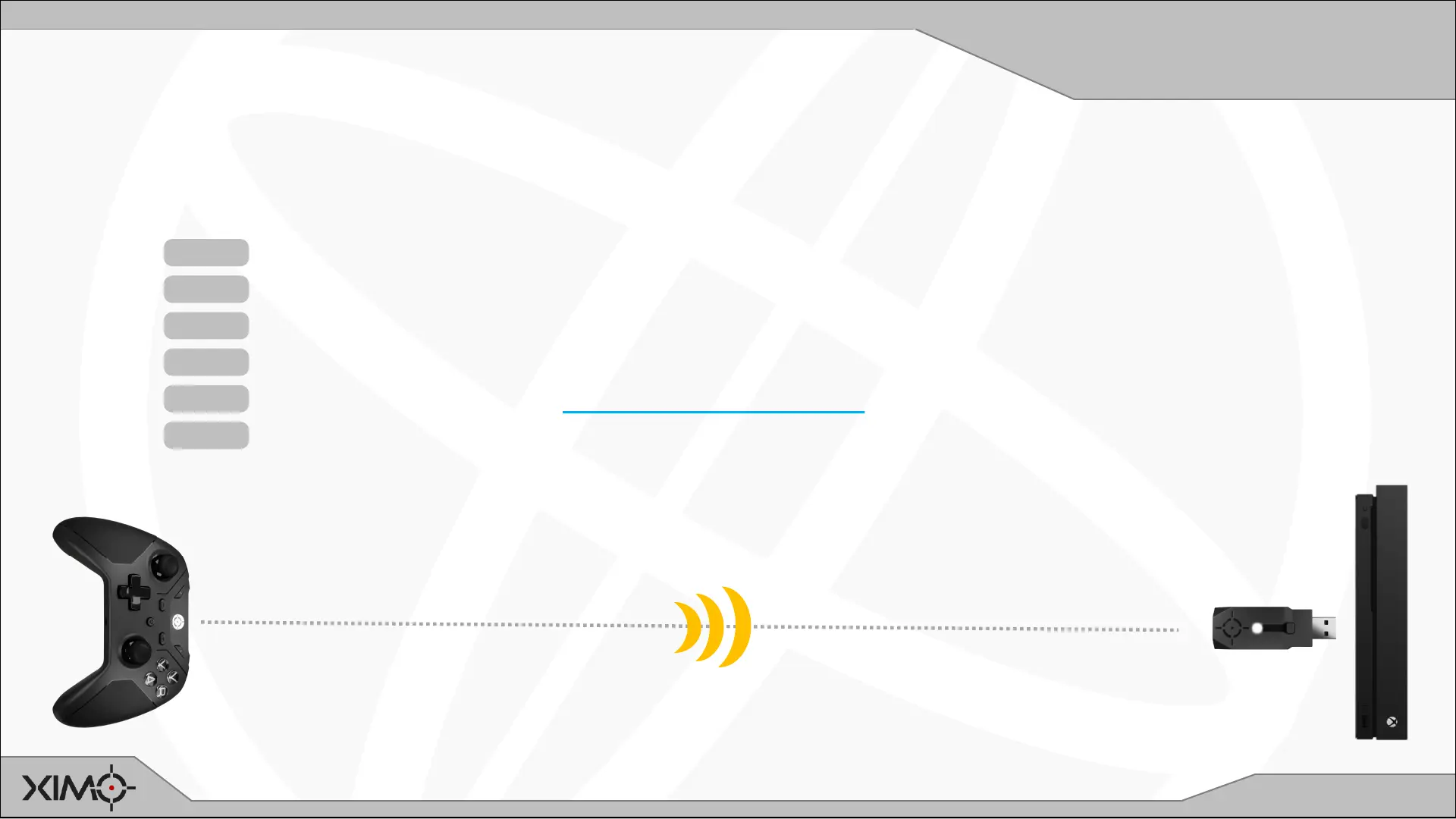
Like all wireless devices, XIM NEXUS is susceptible to poor wireless conditions and environments. Use these tips to ensure
you have optimal wireless performance.
TIP 1 Plug Adapter in the front of your console directed towards Controller
TIP 2 Remove any objects between Controller and Adapter
TIP 3 Maintaining Line of Sight between Controller and Adapter is always best
TIP 4 A USB extension cable can be used to better position Adapter for performance
TIP 5 Do not run Controller in Manager Search Mode (it blinks CYAN in that mode)
TIP 6 If Controller is paired directly to a PC, don’t use other Bluetooth devices


 To Previous Page