http://xim.tech
XIM NEXUS
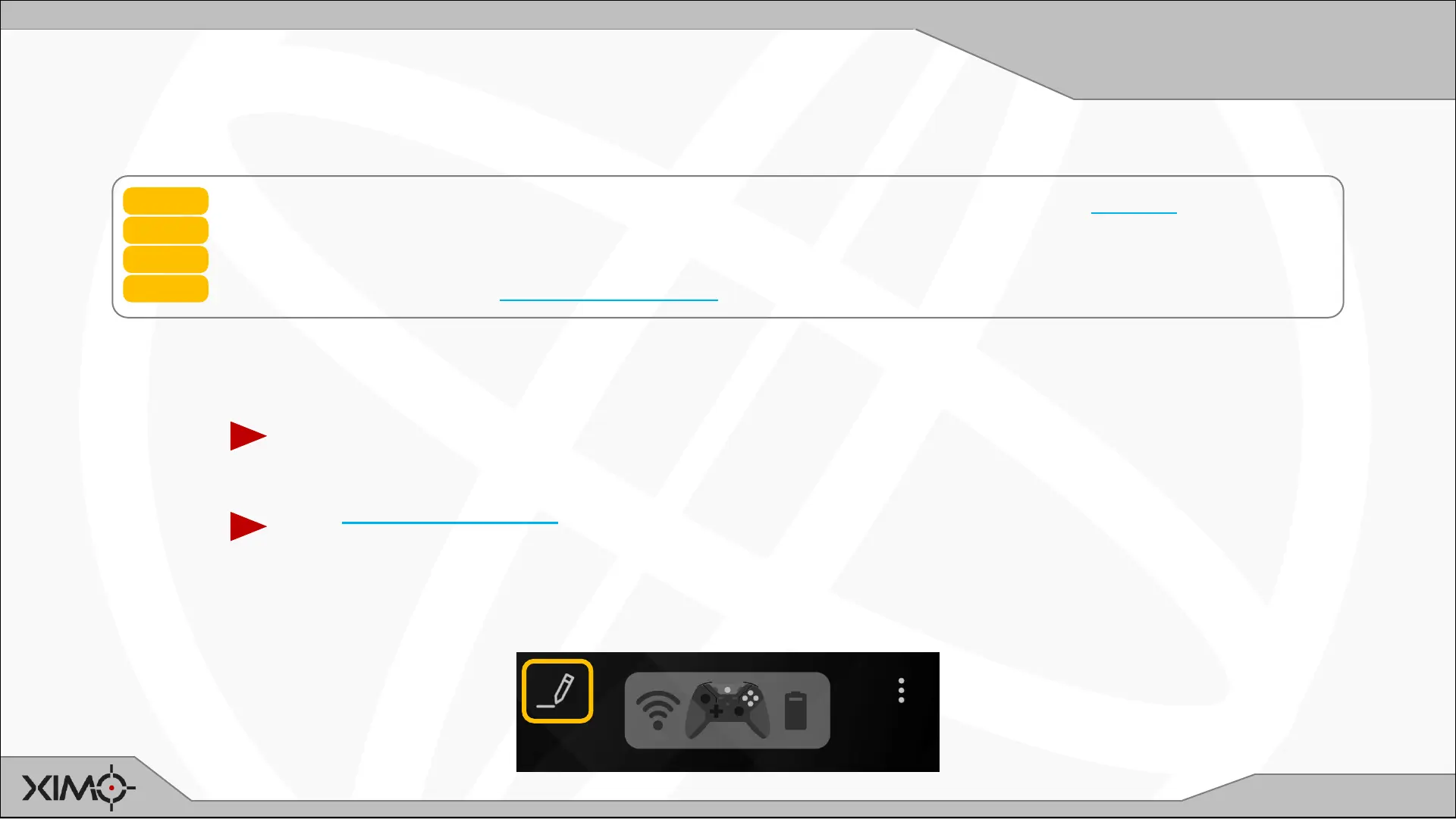
Edit Config
Editing your Config
All Configs start with default values, but everyone’s preferences are different. You will want to edit your Config.
STEP 1 Load the game you want to play. Make sure game’s: aim sensitivity is MAXIMUM, and settings are applied
STEP 2 Find a spot that you can spend time in without disruption (such as a private session or training area)
STEP 3 Use Manager to make sure the correct Config is loaded for your game
STEP 4 Pick up your Controller and disable Classic Mode (if needed)
Try moving around the map and aiming with the thumbstick only -- it
may feel too fast (or too slow).
Try engaging motion by holding down the LEFT TRIGGER (default
binding) – it may also feel too slow.
Get an initial feel for things:
It’s time to start tuning your Config to your preferences:


 To Next Page