http://xim.tech
XIM NEXUS
Classic Mode
Controller Classic Mode
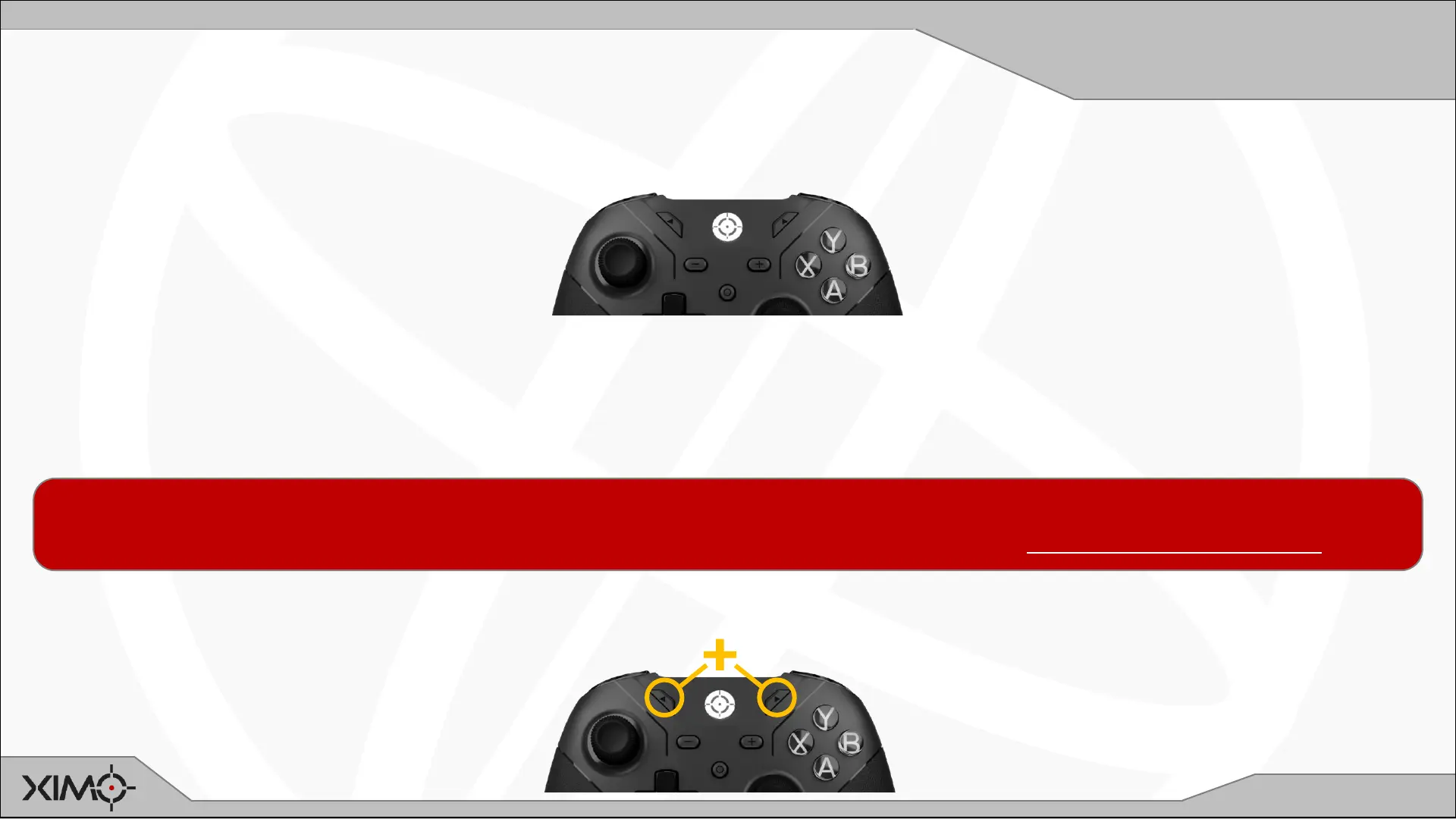
When Controller is turned on (or if it has no Configs on it), it will automatically be in Classic Mode. You will know you are in
this mode if your Controller is pulsing WHITE.
Classic Mode makes the Controller act like a regular console controller:
• No motion control
• No thumbstick curves
• Limited button/trigger mappings
To EXIT Classic Mode, press NEXT+PREVIOUS. Press again to RE-ENTER any time.
Classic Mode is used to make it easier to navigate menus and your console’s dashboard when not in game.
This mode can also be used in games as well. For more information, please see Customizing Classic Mode.


 To Next Page