Chapter 2 Getting Started 6
Getting Started
2
System Overview
This chapter gives you an overview of your tablet and includes a quick-start guide.
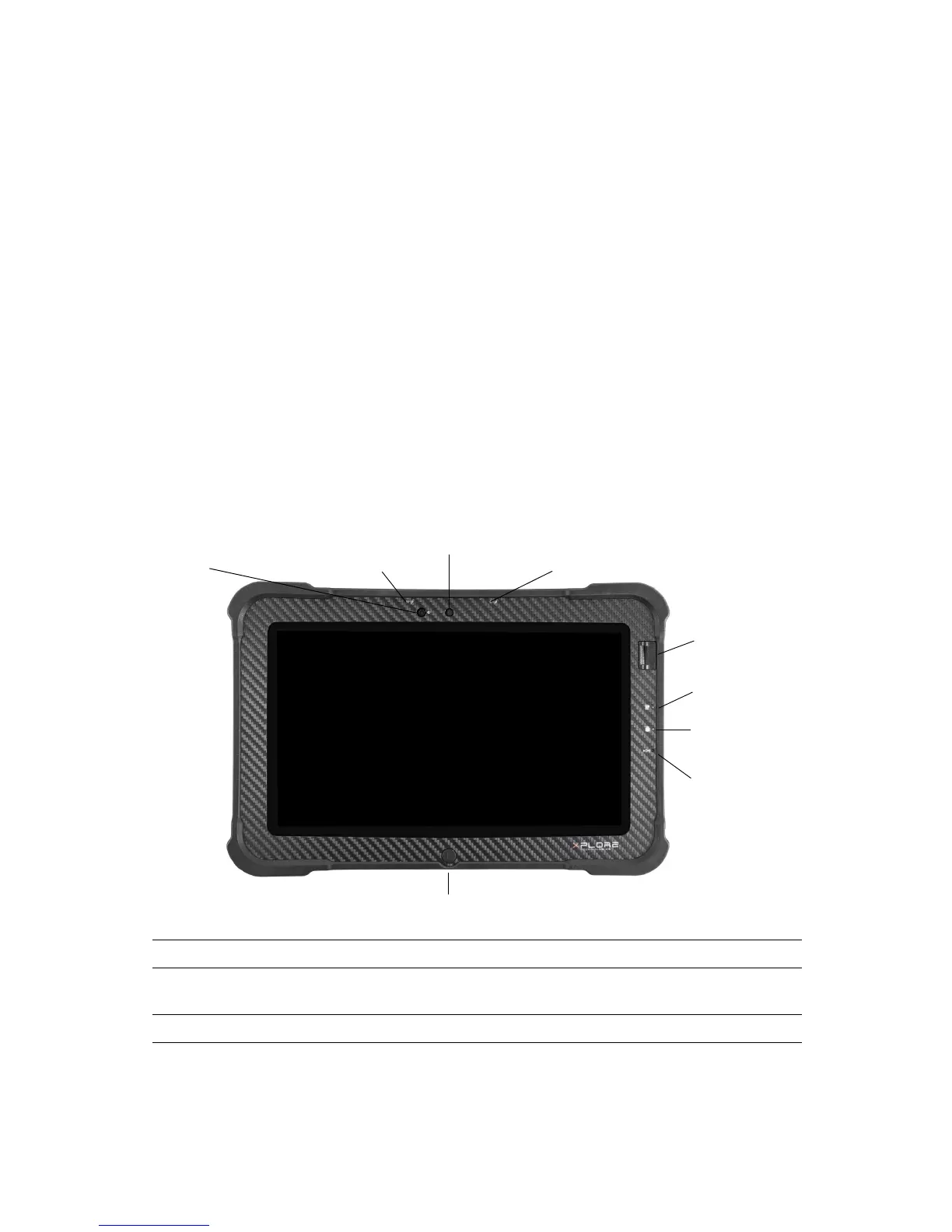
Front View
Built-in Microphone Enables audio input
Front Camera HD Video front-facing camera for video conferencing, video capture or
still picture capture
System Status Indicator Indicates the computer status (on, off) and battery status (charging)
Auto Light
Front Camera
Built-in
System/Battery
Home Button
Reset Switch
Built-in
Microphone
Microphone
Sensor
Status Indicator
Fingerprint
Reader
SSD Activity
Indicator



 To Next Page