Chapter 3 Using the Tablet 11
Using the Tablet
3
Suspend Operation
To conserve battery power when you do not want to turn off the computer, put the
computer into Suspend mode. (You can suspend operation without closing any
applications). The default configuration at time of purchase is for the system to enter
suspend mode automatically after 5 minutes of no activity.
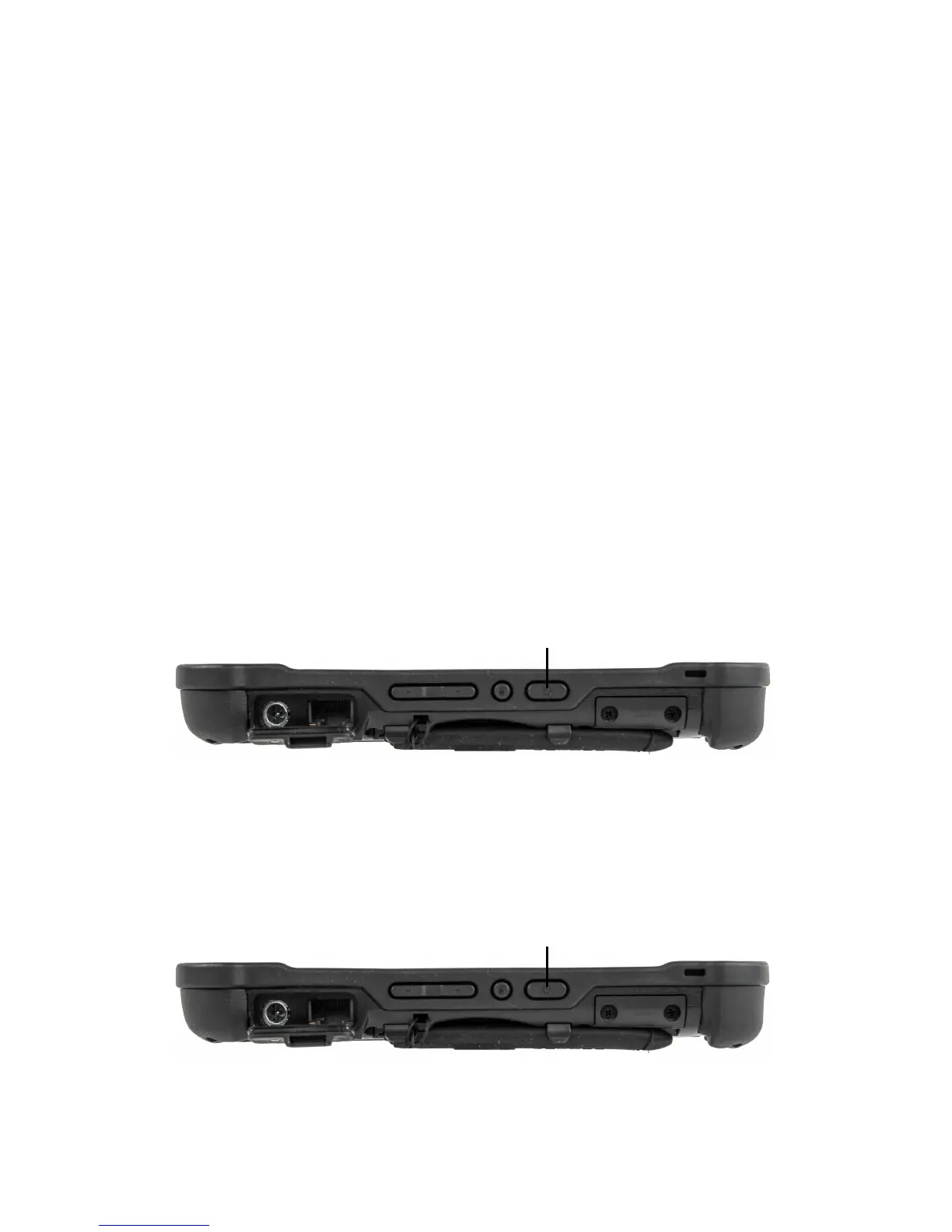
To manually enter suspend mode, briefly press and release the Power button. The display
will switch off, without any confirmation menu being presented.
Resume Operation
To resume tablet operation from Suspend mode, briefly press and release the Power
button.
NOTE: If the system does not resume operation, the battery may have fully discharged. Plug the
tablet into an AC power source and repeat the procedure.
Power (On/Off) Display Toggle and
Suspend/Resume Button
Power (On/Off) Display Toggle and
Suspend/Resume Button



 To Next Page