© Copyright 2016 - Xsarius
32
4. User manual satellite
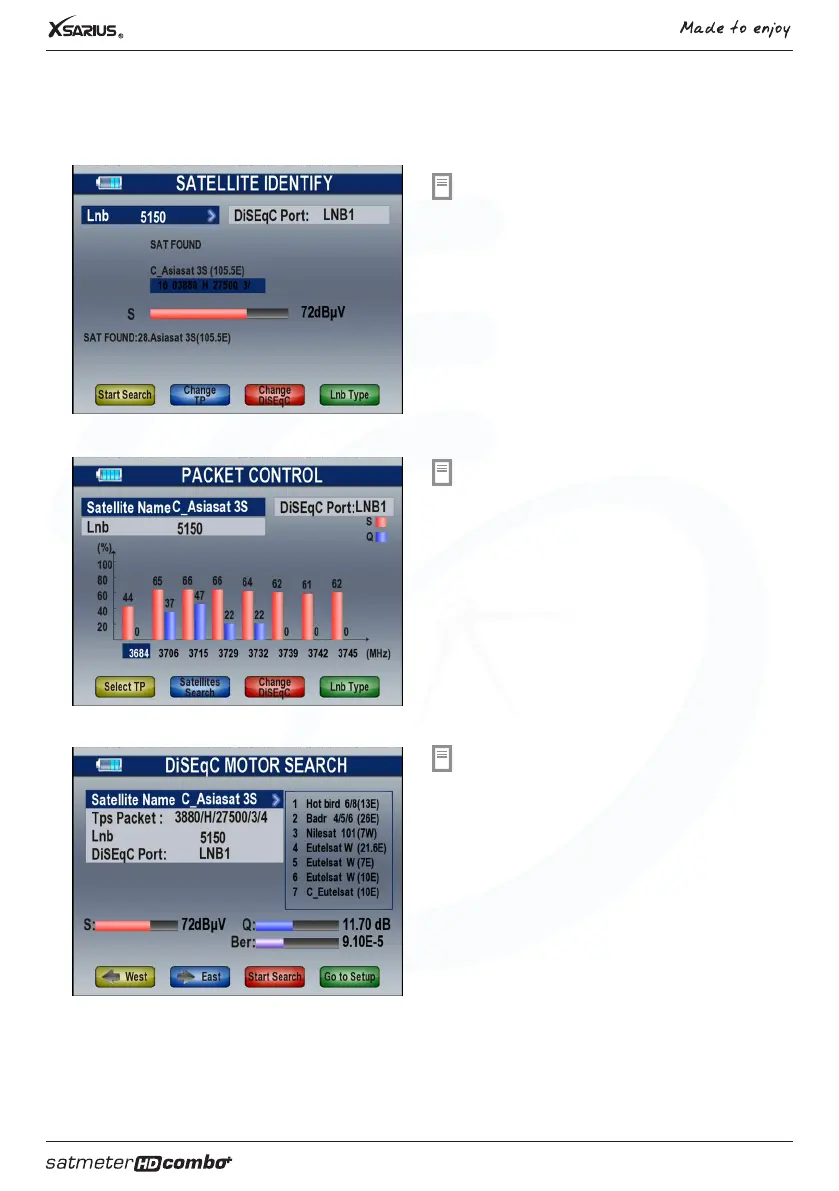
Recognize satellite
Select the option “Regognize satellite” in the mainmenu
and press “OK”. The Xsarius Satmeter HD Combo Plus
will try to detect the aligned satellite.
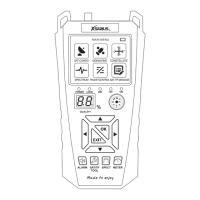
Packet control
Select the option “Transponder control” in the
mainmenu and press “OK”. In this menu you can read
the signal strenght and signal quality.
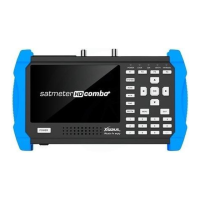
DiSEqC search
Select the “DiSEqC search” option and press “OK”.
The satellites connected on your DiSEqC switch will be
identified.
F1 button: Go to the port
F2 button: Switch to DiSEqC 1.1
F4 button: Change LNB type


 To Next Page