© Copyright 2016 - Xsarius
39
5. Other functions and settings
Watch television
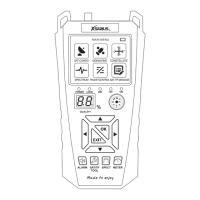
Open the mainmenu and select the option “Television”. Press the “OK” button to start watching television. While
watching you have the following options:
F1 button: Select the satellite F2 button: Open the radio channel menu
F3 button: Full-screen mode
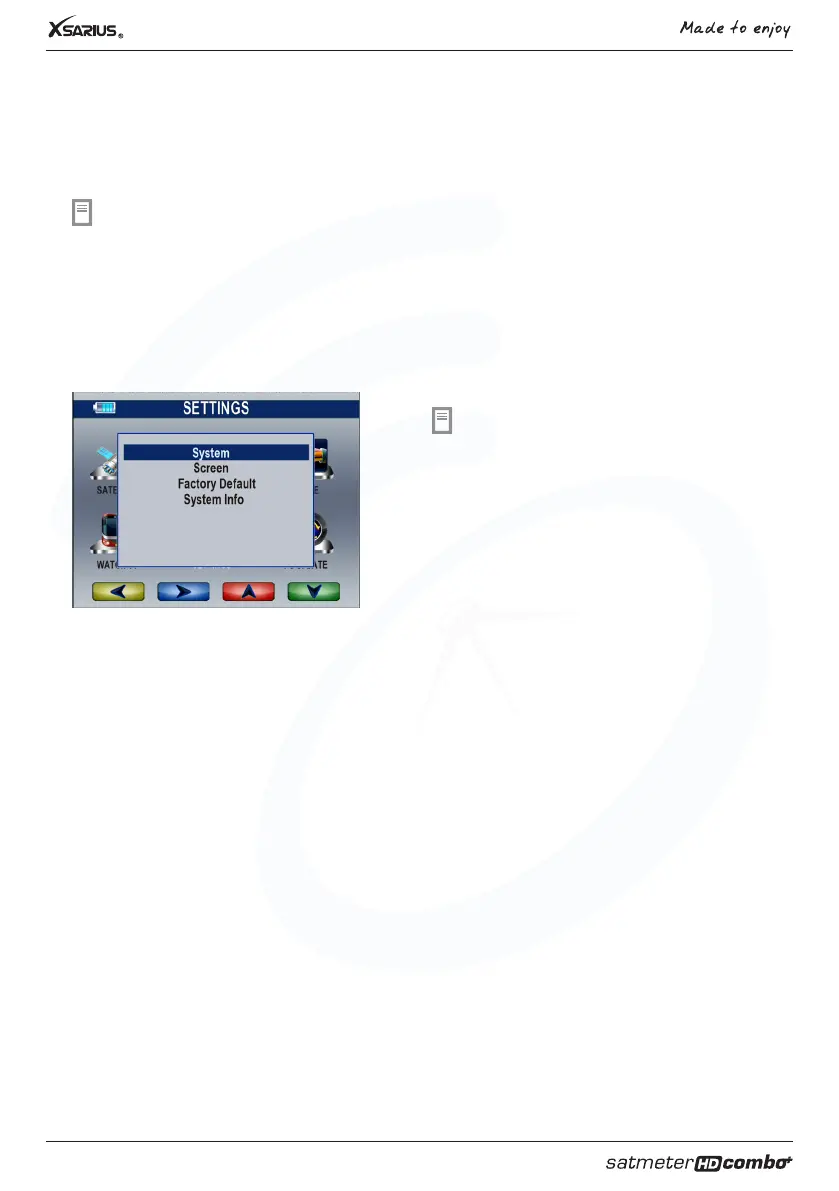
Settings
Open the mainmenu and select the option “settings”.
Press “OK” to open the settingsmenu. You are able to
change the display clearness, signal audio tone, TV
screen format, volume and language. Also it is possible
to restore the factory defaults.
1. Menu language Setting the language of the menu’s
2. Audio 1 Select the preered audio language.
3. Audio 2 Select your second choice for audio language.
4. Signal audio tone Switch on/o the audio tone
5. Changing channels Freeze: Displays the last frame of the previous channel.
Blank: While switching channels the screen will be blank
6. Auto standby Time before the meter automaticly switches into standby.
Restore the factory settings
In case you would like to restore the factory settings you can choos which data should be preserved. To delete all
data select the option: “Everything”. Please select “only channellist” If you only wish to delete the scanned channels.
If you only wish to delete the radio channels select “Only radio channels”. It is also possible to delete all the
scrambled channels by selecting the option “Only scrambled channels”.



 To Next Page