© Copyright 2016 - Xsarius
36
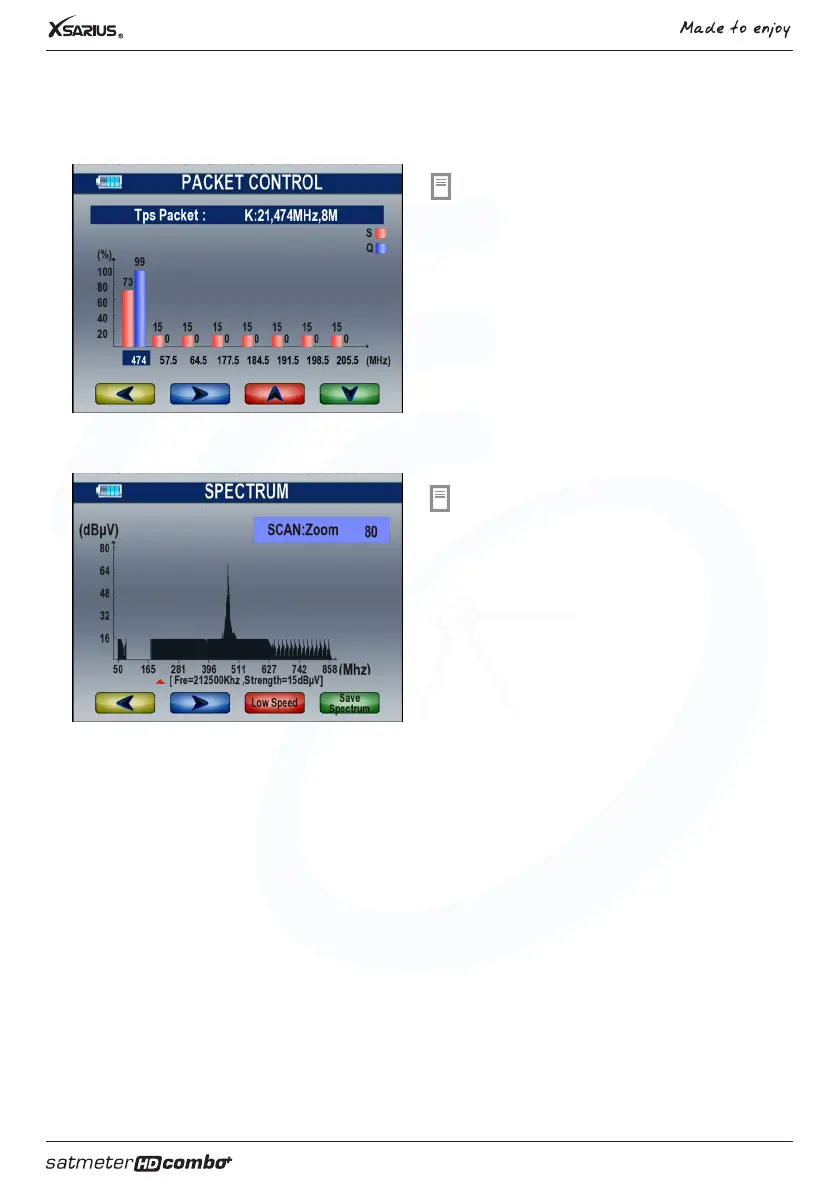
Packet control
Select the option “Packet control” in the
mainmenu and press “OK”. In this menu you can read
the signal strenght and signal quality.
Spectrum analyser
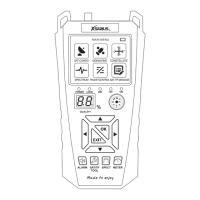
Select the option “Spectrun” in the mainmenu and press
“OK”. In this menu, you can know the strength of all
transponders.
F1 button: Change the transponder.
F2 button: Change the range of the Y-axis.
F3 button: Change the speed of refresh rate.
F4 button: Save the picture of spectrum.
4. User manual terrestrial



 To Next Page