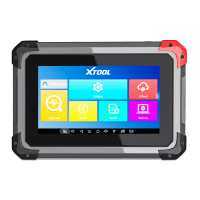
Need help?
Do you have a question about the Xtool D8 and is the answer not in the manual?
 General
| Brand | Xtool |
|---|---|
| Model | D8 |
| Category | Diagnostic Equipment |
| Language | English |
Explains the initial system setup, language selection, and Wi-Fi connection process.
Details the steps required to connect the D8 diagnostic system to the vehicle.
Explains the various methods for selecting a vehicle for diagnosis, including Auto Scan.
Explains how to perform the Electronic Parking Brake (EPB) system reset procedure.

 To Next Page