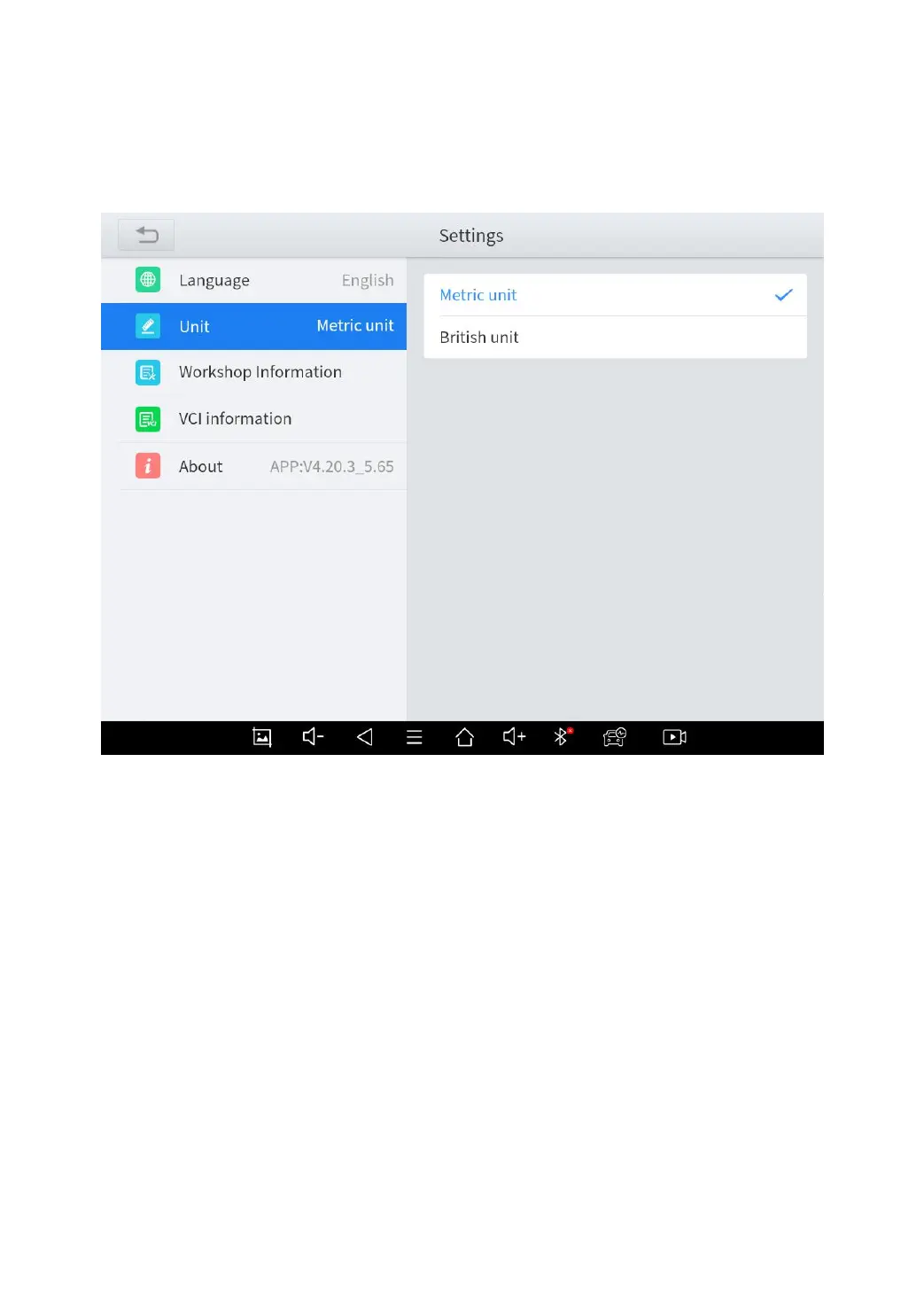
successful, a blue check mark will be shown behind the unit’s
name.
Fig 6-3
MY WORKSHOP INFO
Click on My Workshop Information, you can input your workshop
information here. As shown in the figure below, you just need to fill
in the valid information in the corresponding column and click
"SUBMIT". And then it will show your workshop information in the
report when you generate a diagnostic report, including your
company name, address, website, telephone, and mailbox.



 To Next Page