3 U
PDATE
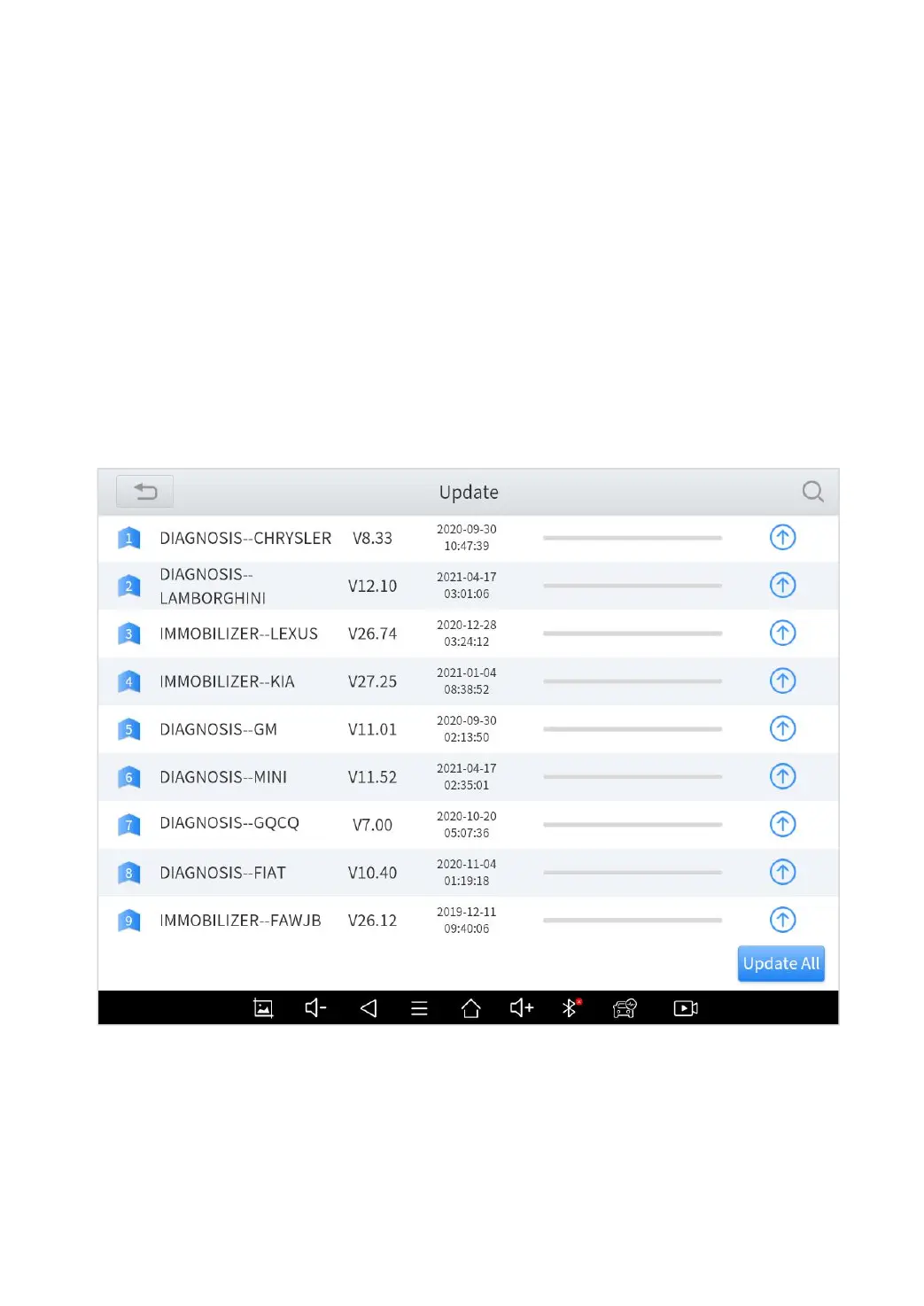
After activating the device, please update the software in "Update"
first. The device will pull all currently supported software packages,
and you can download them as needed. ALL software updates
directly via the Internet. To access the update application, open
the diagnosis application and click UPDATE, shown as below:
Fig 3-1
*Note
a) After activating the device for the first time, if you do not upgrade first, the diagnostic
system will be blank.



 To Next Page