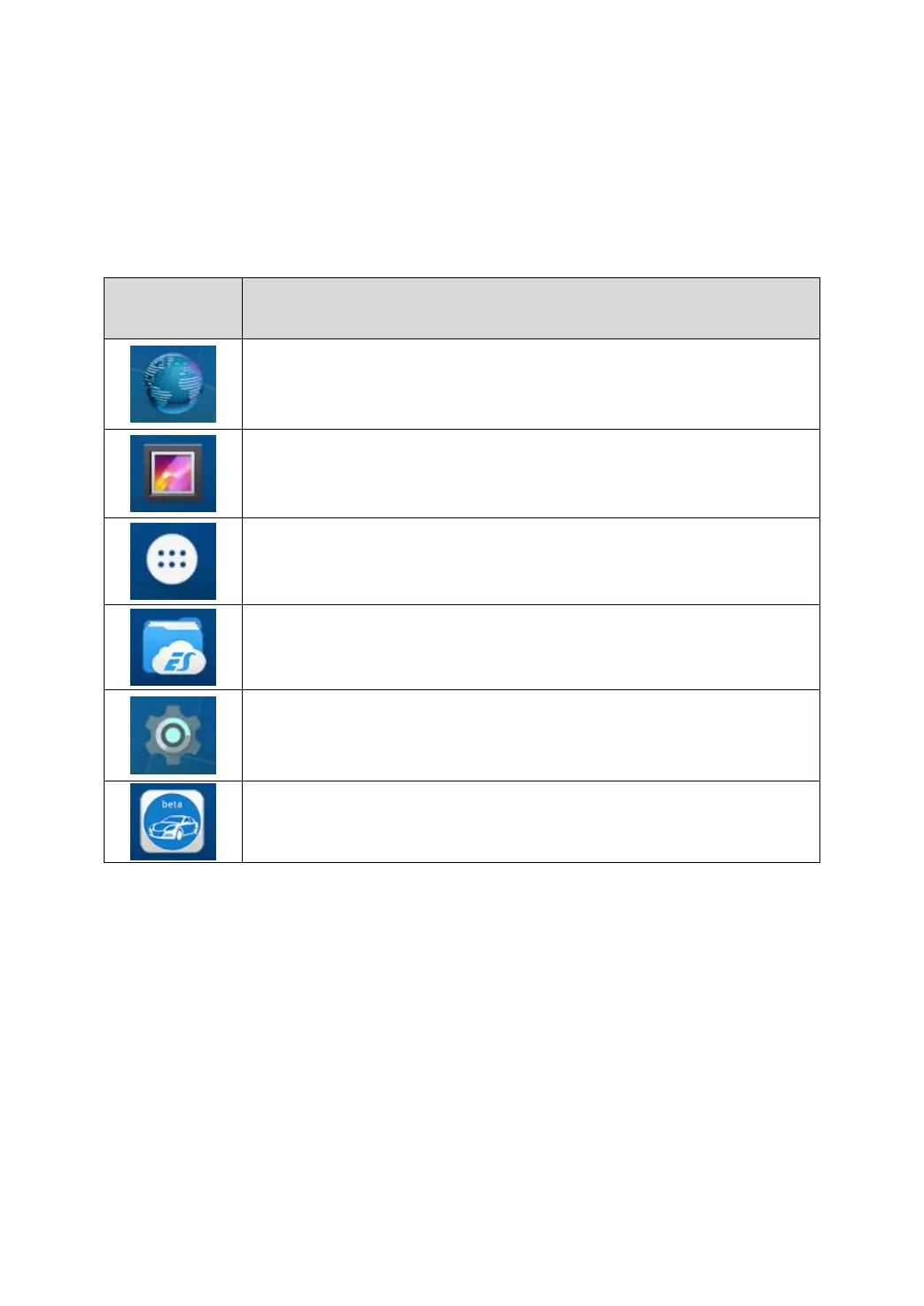
The icons on the right, from top to bottom, are browser, photo
album, application square, file manager, system settings, as
shown below:
Table 2-1
Settings for Android System
D8 Smart Diagnosis System
a) Browser: Click on the browser icon to enter the browser to
view the official website of Xtool or search for other information.
b) Gallery: Click the Gallery icon to enter the album to quickly
view the pictures or screenshots stored in the device. You can
select the picture you need, click the share button on the upper



 To Next Page