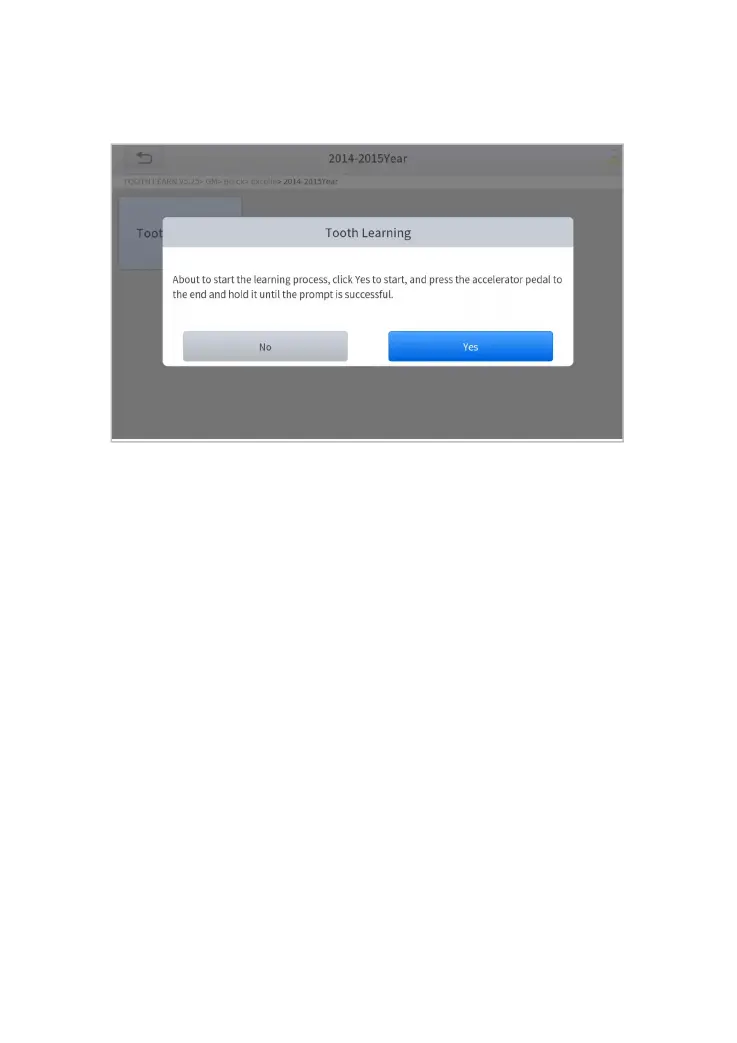
4. Read the instructions displayed and press Yes to start the learning
process.
Figure 5-28 Sample of gear learning function (screen 2)
5. Press the accelerator pedal down and hold it until a message of
‘The learning is successful, please release the accelerator pedal.’
pops up.
6. Release the accelerator pedal and press OK to exit the gear learning
function.
6 S
ETTINGS
Click the Settings button to adjust the default settings and view
information about the IP819 Smart Diagnostic System. There are seven
options available in the system settings:
Language
Units
My Workshop Info
VCI Info
About



 To Next Page