6
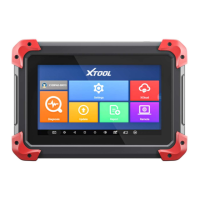
The front of the tablet is mainly a touchable display screen, you can
use your fingers to operate on the screen to finish most of the key
programming process.
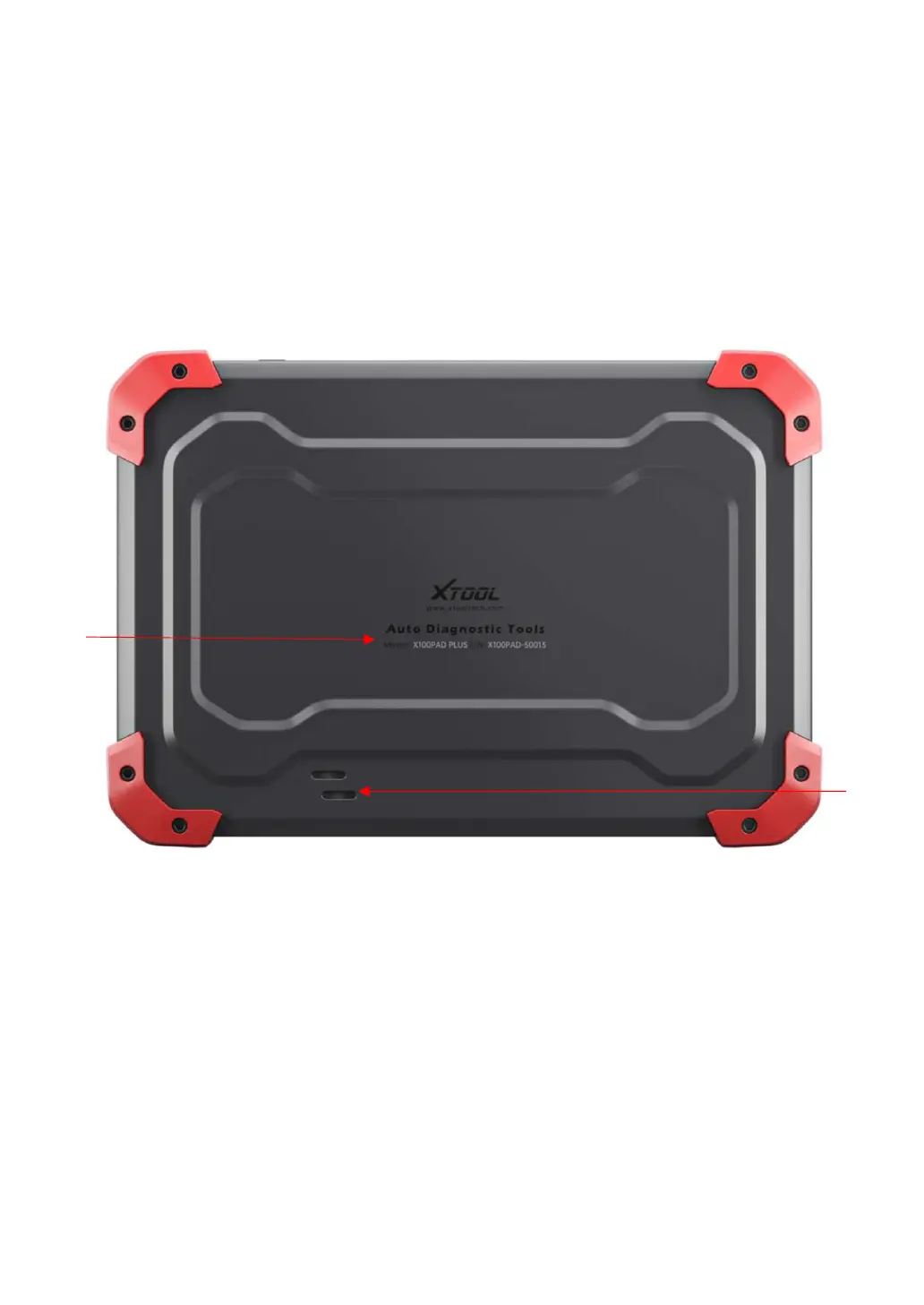
BACK VIEW OF TABLET
① Nameplate: Show the basic information about tablet such as
product name and serial number, etc.
② Loudspeaker: It supports external sound playback.
②


 To Next Page