18
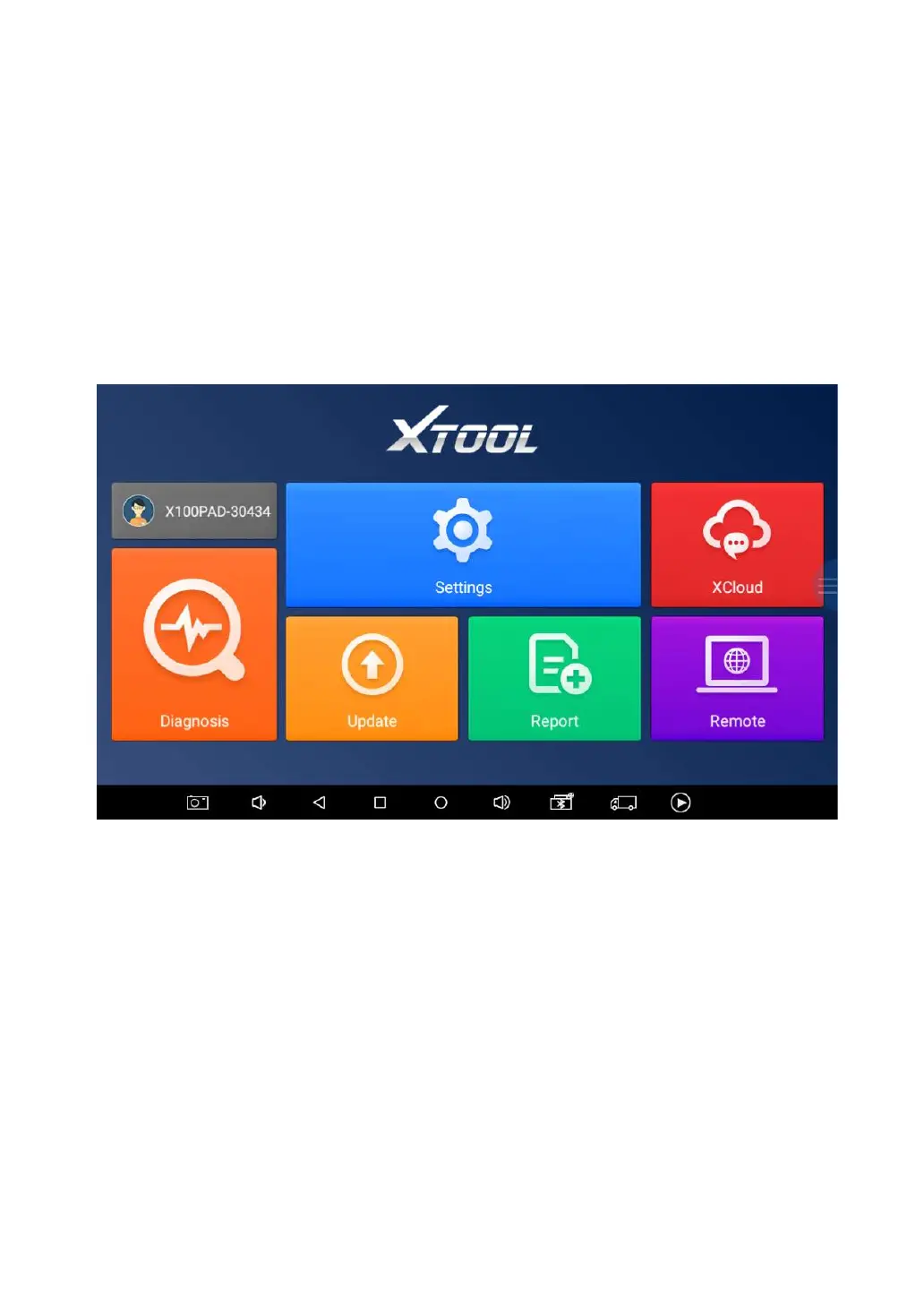
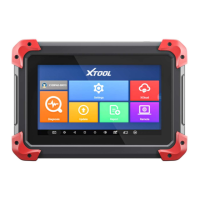
X100PAD PLUS APP MENU
Every time you start the tablet, you will automatically enter the
X100PAD PLUS app with the following main screen. Tap on
diagnosis application button on the menu, the main menu will be
shown as below:
This main menu contains Function Buttons and Navigation
Buttons. The touch screen navigation is made up by several menus,
and you can quickly access functions by clicking on the icons. A
detailed description of the menu structure can be found in the next
section Function Buttons.


 To Next Page