59
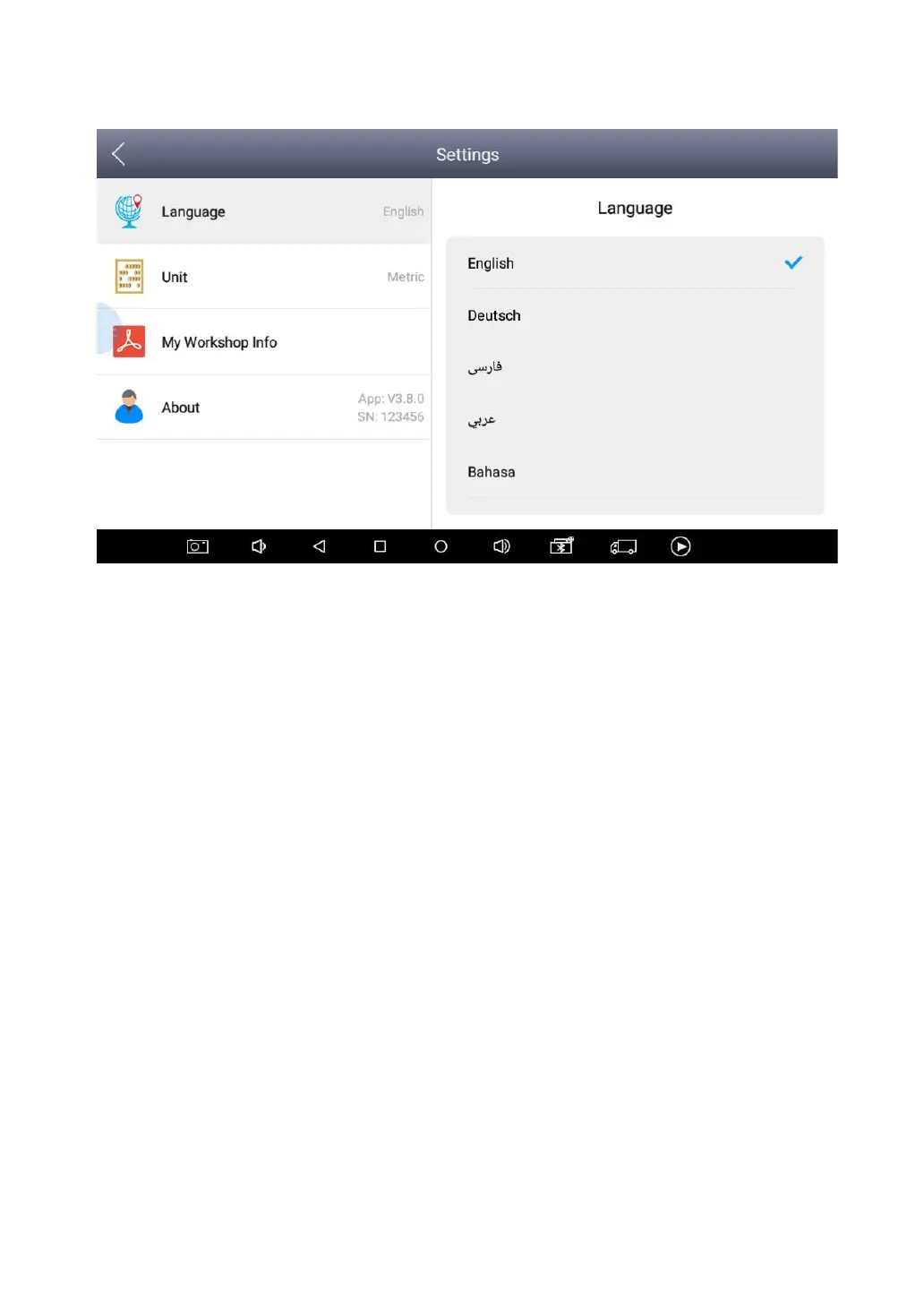
This will only change the language of the APP. If you want to change system
language, please go to Android Settings.
How to change the language of your software?
Step1: Contact your dealer and leave a message about the
language you need and the S/N of your device
Step2: Settings->Language->Choose language
Step3: OS Settings->Language & input->Choose Language
Step4: Back to Upgrade
UNITS
You can switch the unit used by the system. X100PAD PLUS
provides you with metric and british units.
You can directly click on the unit when you need, after the switch is
successful, a blue check mark will be shown behind the unit’s name.


 To Next Page