24
IMMOBILIZER MENU
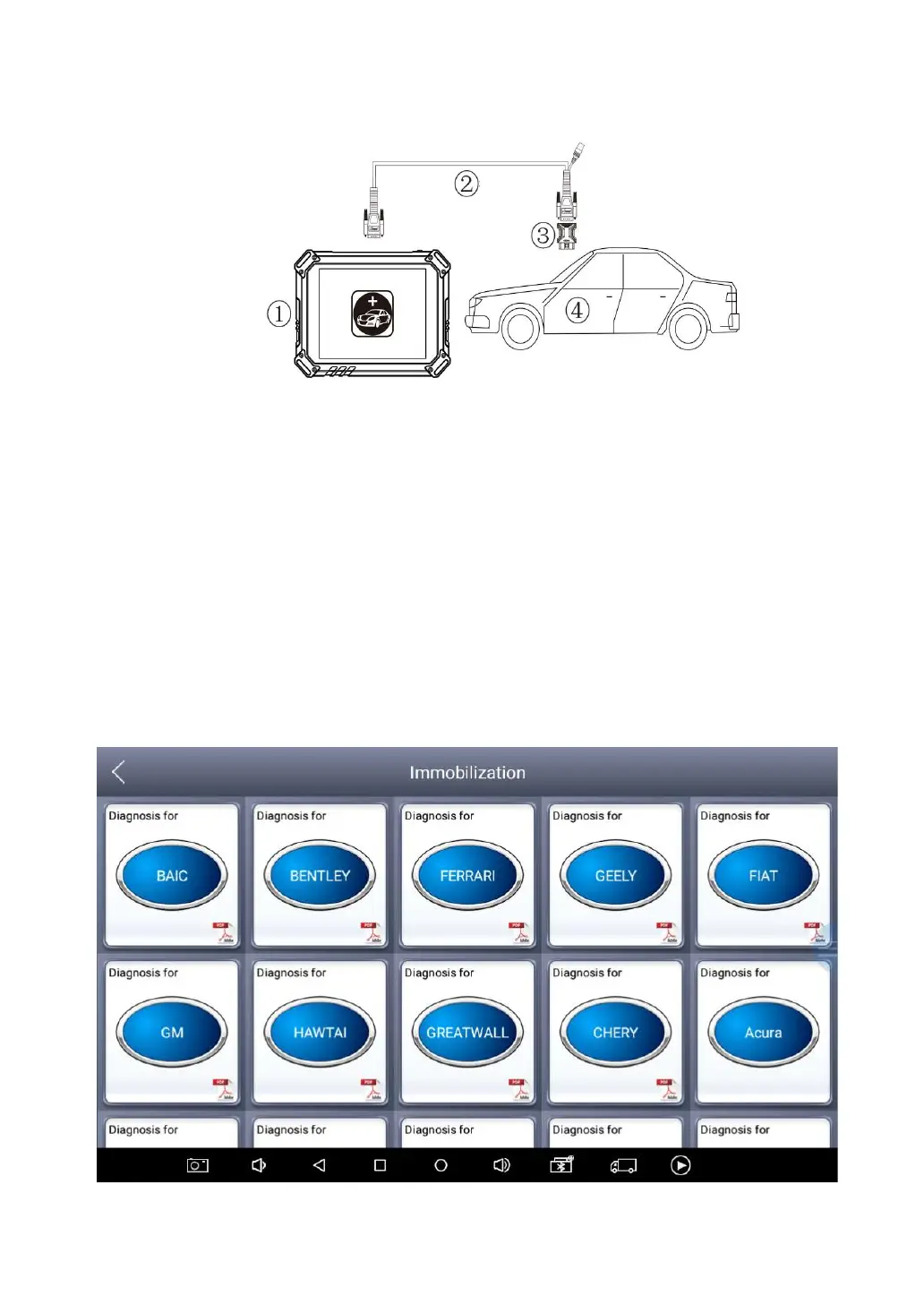
Click “Key Programming” icon on the main screen and get into the
immobilizer menu. Choose the brand of the vehicle to start the
programming process. You can also click the search icon on the
top-right corner of the screen and find the brand you need.
If you need to check if your car is supported, you can check the support list from
the official website.


 To Next Page