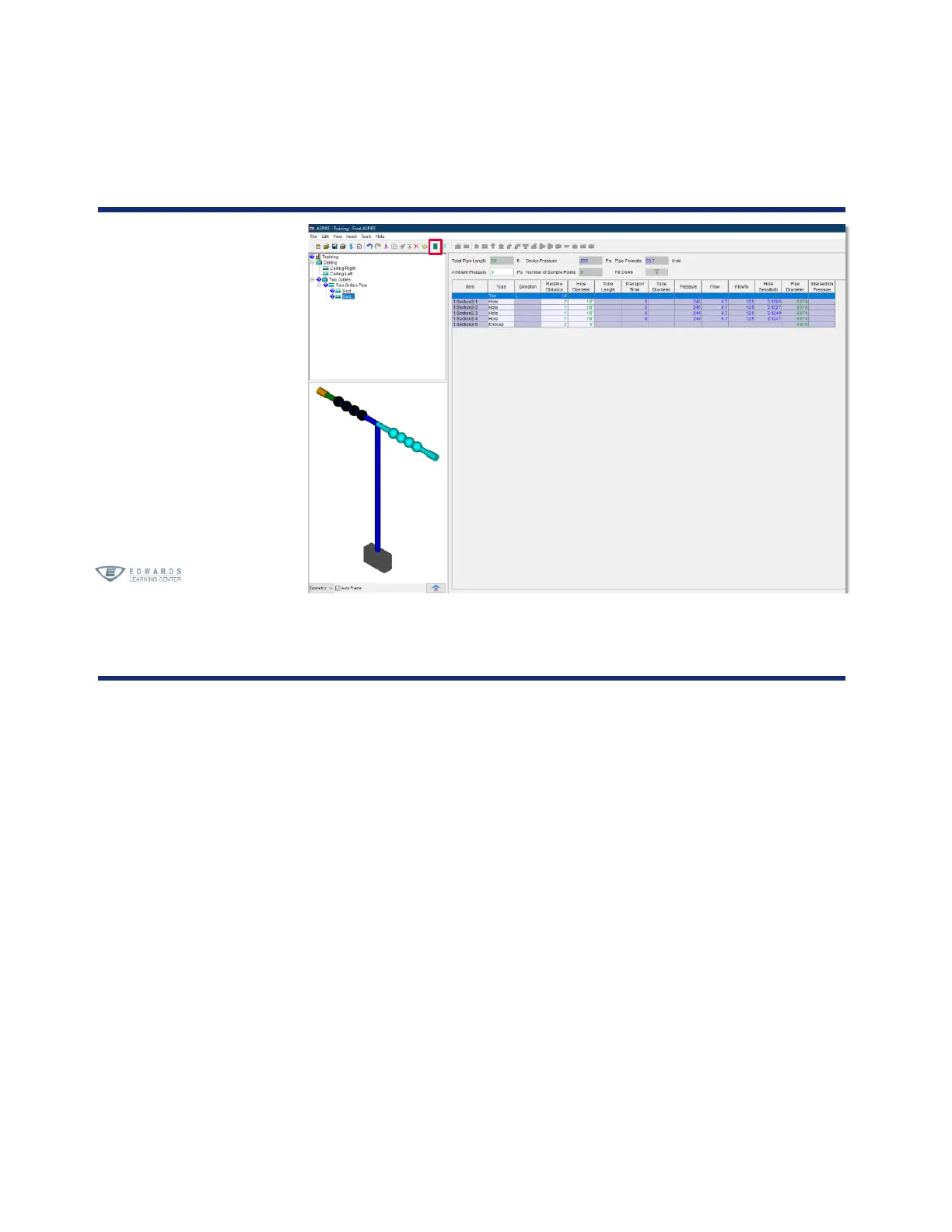
Activity
Please complete checklist item 16:
16. Create a Two Grilles Pipe Network
a. Copy detector
1. Click Ceiling detector
• Click Edit
• Select Copy
• Click Aspire Project
• Click Edit
• Select Paste
• Right-click and select Rename
• Rename Copy of Ceiling to Two Grilles
2. Click the + to expand the detector
• Select Ceiling Right, right-click, Delete, and click OK
• Select Ceiling Left, right-click, Delete, and click OK




 To Next Page