-17-
Wi-Fi/Computer / TV Connecting
Connect to the Wi-Fi
The Wi-Fi Application allows you to control your camera
remotely on a smartphone or tablet. You can view the
video or pictures on your phone, and download the
recordings. The connecting steps are as following:
Wi-Fi CONNECTION
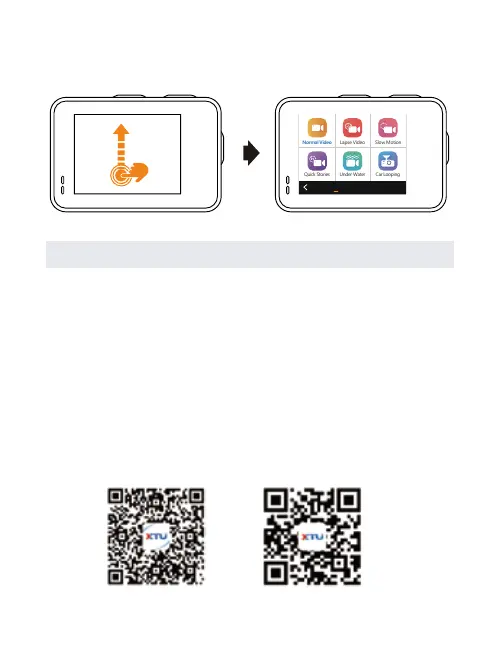
Swipe Up: Choose a video/photo mode from the list.
Step 1:
Download the XTU GO app in Google Play or
Apple App Store on your smart phone or tablet.
Normal Video
Quick Stories Under Water Car Looping
Lapse Video Slow Motion
Photo
Vedio
iOSAndroid


 To Next Page