54
date and time, the DVR will play the latest video data.
4-2-6. Archive Search
The ARCHIVE Search window is used to find previously stored video or images.
Figure 4.2.4. Archive Search Screen
When it clicks an Archive menu, user can see a calendar which has recording data. Select a specific date
and then user can see all data. When it presses a Display button, the still image or the first frame of the
selected video is opened and user can save the data.
4-2-7. Log Search
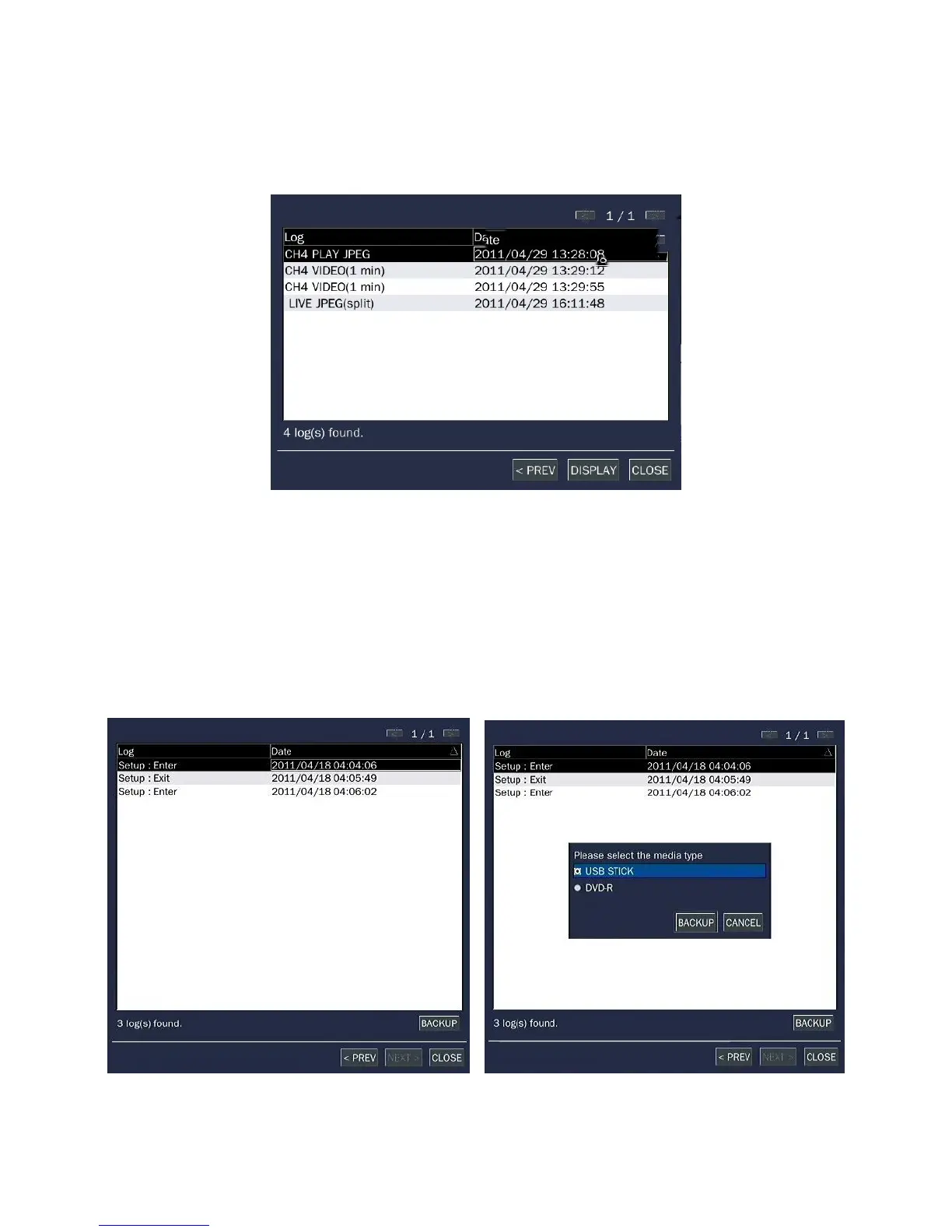
You can access the LOG list search screen by selecting LOG on the SEARCH window.
Figure 4.2.5. Log Search Screen



 To Next Page
 Loading...

