60
7. Upgrading Firmware
In order to upgrade, the firmware upgrade file must first be downloaded and copied into the USB memory
stick. Create a new folder in the USB memory stick and name it “upgrade”. Copy the firmware upgrade file
“xxxxxx.bin” into the “upgrade” folder.
NOTICE
A format of the USB stick has to be set to FAT32.
The folder on the USB memory stick must be named “upgrade”.
After the firmware upgrade file is copied into the USB memory stick, connect the USB memory
stick to the USB port on the front or rear panel and do the followings:
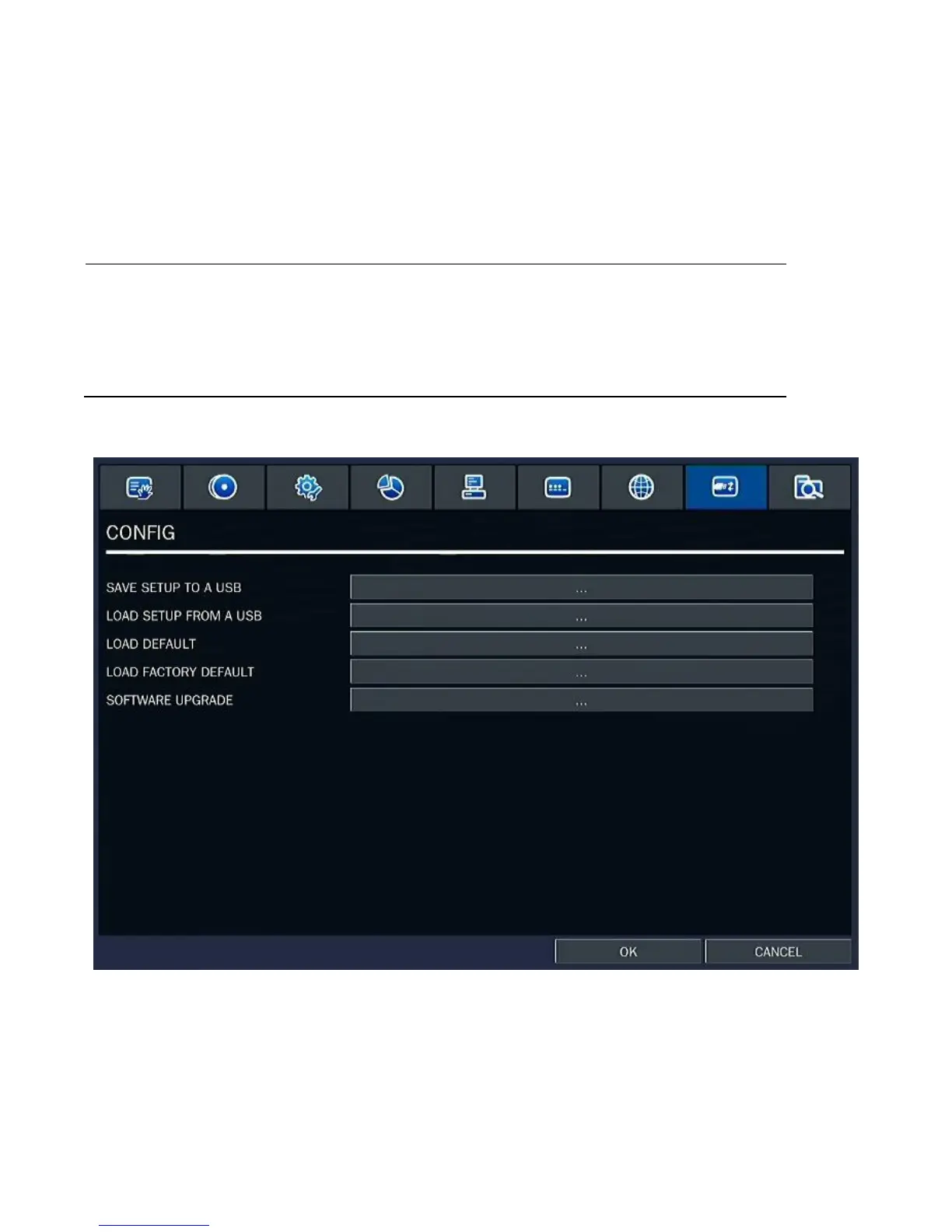
1. Go to Config menu of Setup.
2. You can see the following message when pressing the software upgrade menu after putting the
USB memory stick on the system.



 To Next Page
 Loading...

