51
4-2. SEARCH Screen
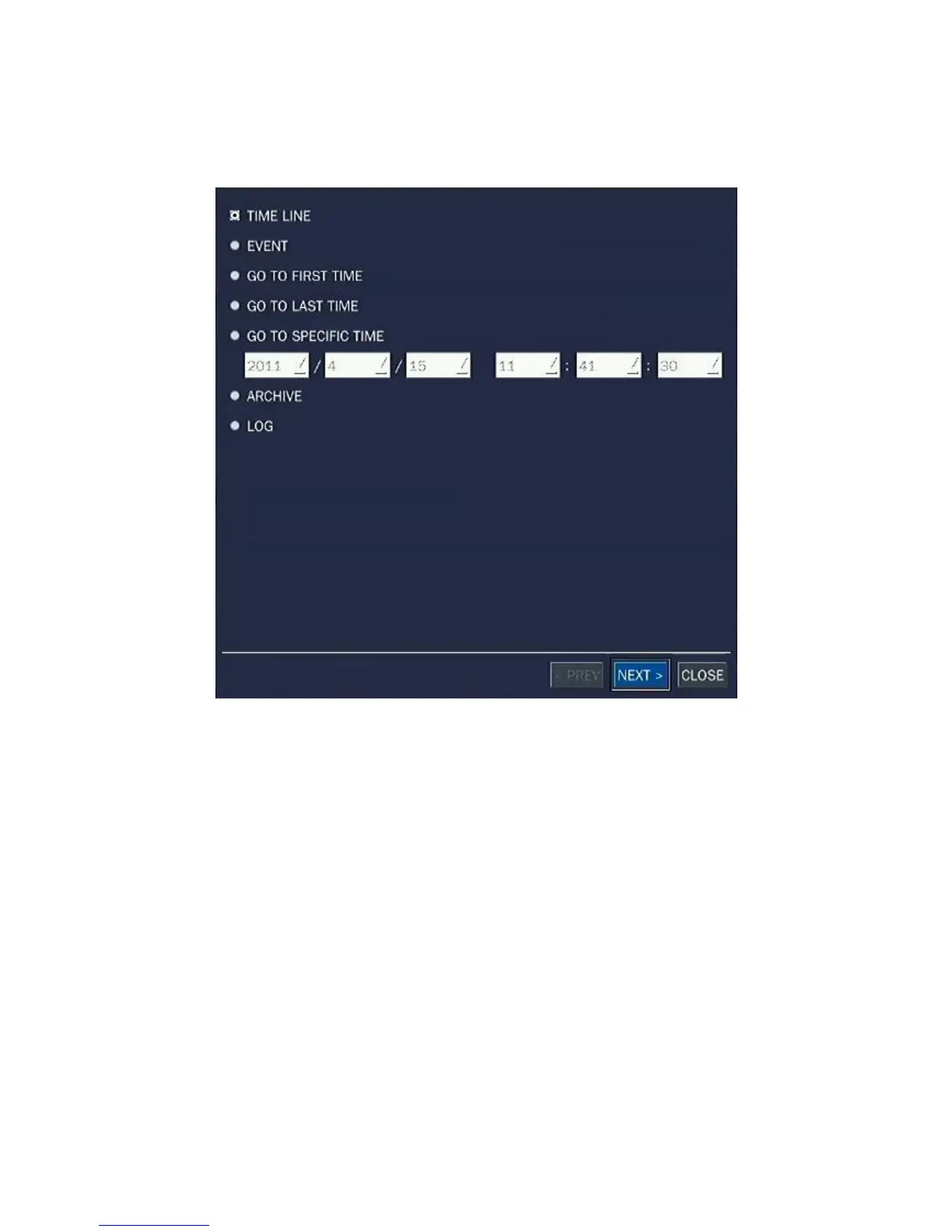
To enter the search screen, select SEARCH menu on the screen using the mouse or press SEARCH icon
on live screen.
Figure 4.2.1. Search Screen
There are 7 ways of search menu such as TIMELINE, EVENT, GO TO FIRST TIME, GO TO LAST TIME,
GO TO SPECIFIC TIME, ARCHIVE and LOG on the screen.
4-2-1. TIME-LINE Search
The TIME-LINE search window is used to find the stored video by using the time line bar.



 To Next Page
 Loading...

