EasyManua.ls Logo

Y-E Data YD-380 - Stepper Assembly

Y-E Data YD-380
48 pages
Print Icon
To Next Page IconTo Next Page
To Previous Page IconTo Previous Page
Loading...
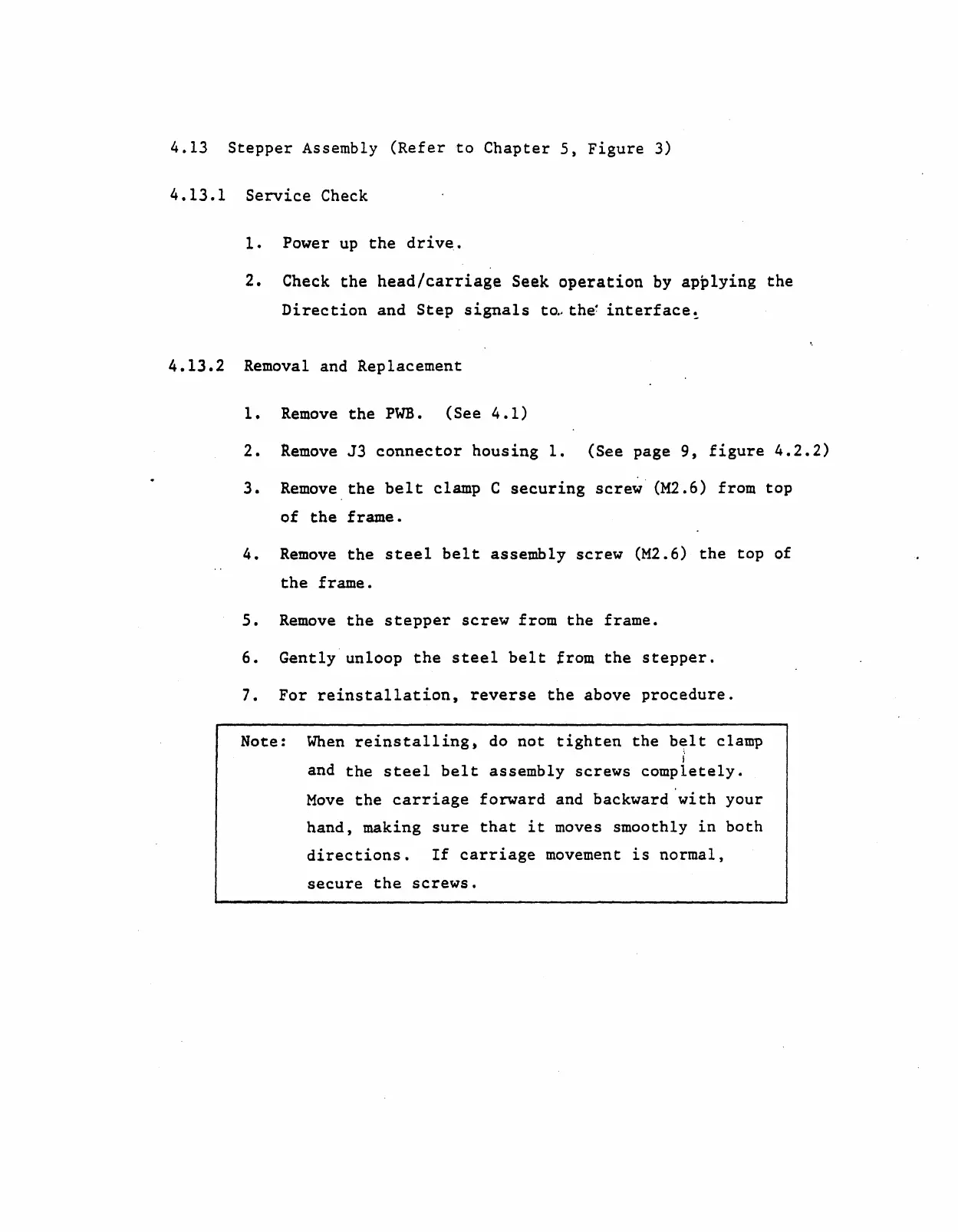
4.13
Stepper
Assembly
(Refer
to
Chapter
5,
Figure
3)
4.13.1
Service
Check
1.
Power
up
the
drive.
2.
Check
the
head/carriage
Seek
operation
by
applying
the
Direction
and
Step
signals
t~,the
interface~
4.13.2
Removal and Replacement
1.
Remove
the
PWB.
(See
4.1)
2.
Remove
J3
connector
housing
1.
(See page
9,
figure
4.2.2)
3.
Remove
the
belt
clamp C
securing
screw'
(M2.6) from
top
of
the
frame.
4.
Remove
the
steel
belt
assembly
screw
(M2.6)
the
top
of
the
frame.
5.
Remove
the
stepper
screw
from
the
frame.
6.
Gently
unloop
the
steel
belt
from
the
stepper.
7.
For
reinstallation,
reverse
the
above
procedure.
Note:
When
reinstalling,
do
not
tighten
the
b~lt
clamp
i
and
the
steel
belt
assembly
screws
completely.
Move
the
carriage
forward
and backward
'with
your
hand,
making
sure
that
it
moves smoothly
in
both
directions.
If
carriage
movement
is
normal,
secure
the
screws.