EasyManua.ls Logo

Y-E Data YD-380 - Write Protect Sensor Assembly

Y-E Data YD-380
48 pages
Print Icon
To Next Page IconTo Next Page
To Previous Page IconTo Previous Page
Loading...
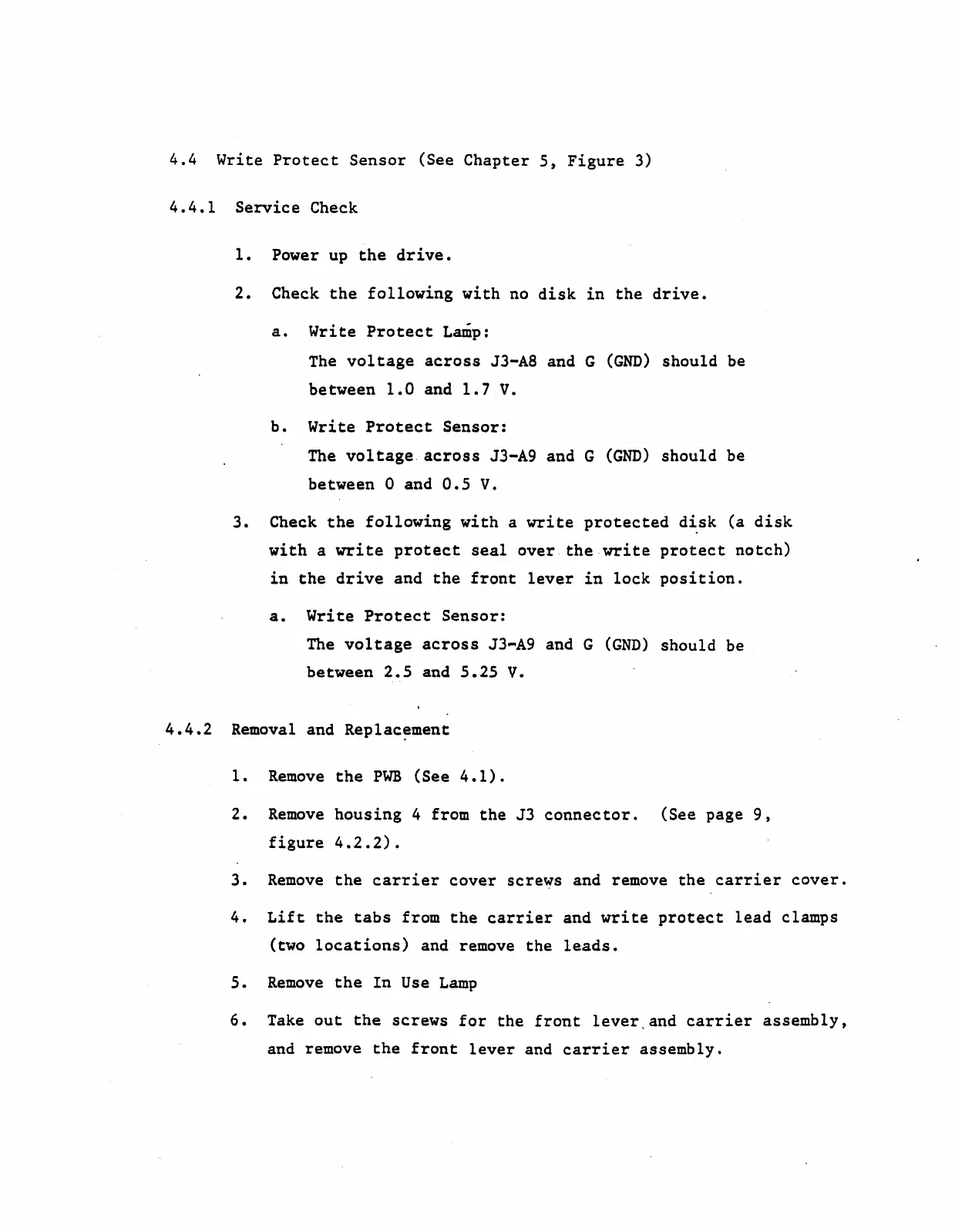
4.4
Write
Protect
Sensor
(See
Chapter
5,
Figure
3)
4.4.1
Service
Check
1.
Power up
the
drive.
2.
Check
the
following
with
no
disk
in
the
drive.
a.
Write
Protect
Lamp:
The
voltage
across
J3-A8 and G
(GND)
should
be
between
1.0
and
1.7
v.
b.
Write
Protect
Sensor:
The
voltage.
across
J3-A9 and G
(GND)
should
be
between 0 and
0.5
V.
3.
Check
the
following
with
a
write
protected
d~sk
(a
disk
with
a
write
protect
seal
over
the
write
protect
notch)
in
the
drive
and
the
front
lever
in
lock
position.
a.
Write
Protect
Sensor:
The
voltage
across
J3-A9 and G
(GND)
should
be
between
2.5
and
5.25
V.
4.4.2
Removal and
Replac~ment
1.
Remove
the
PWB
(See
4.1).
2.
Remove
housing
4 from
the
J3
connector.
(See page
9,
figure
4.2.2).
3.
Remove
the
carrier
cover
screws and remove
the
carrier
cover.
4.
Lift
the
tabs
from
the
carrier
and
write
protect
lead
clamps
(two
locations)
and remove
the
leads.
5.
Remove
the
In
Use
Lamp
6.
Take
out
the
screws
for
the
front
lever,
and
carrier
assembly,
and remove
the
front
lever
and
carrier
assembly.