12
Orange power Light on --- Standby Mode
Orange power Light off--- Working Mode
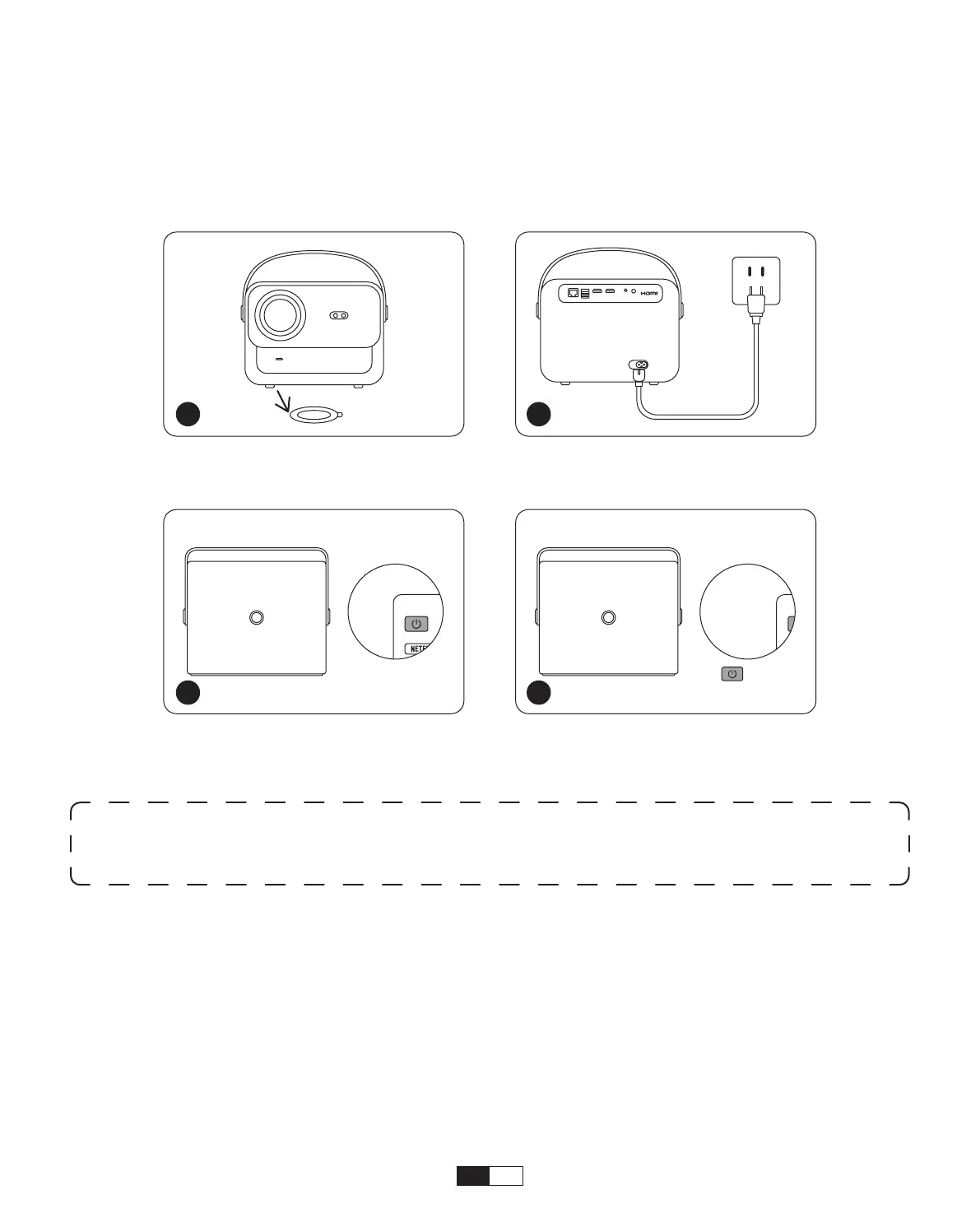
Take off the protective cover.
Press the
power button
once
to turn on the projector.
Connect the power cable to
an outlet.
Press the
power button
twice
to turn off the projector.
When you turn on the projector for the first time or the projector is reset to the Factory
Default Settings, you are prompted to make the first time setup.
After setup, the projector will go to the Homepage.
• Power on
• First time setup
Operation
1. Starting Up the Projector
1 2
x 2
3 4
Notice:
When you connect the power cord to projector, the orange light will flash
10 seconds. Please wait patiently until the power light stop blinking.



 To Next Page