19
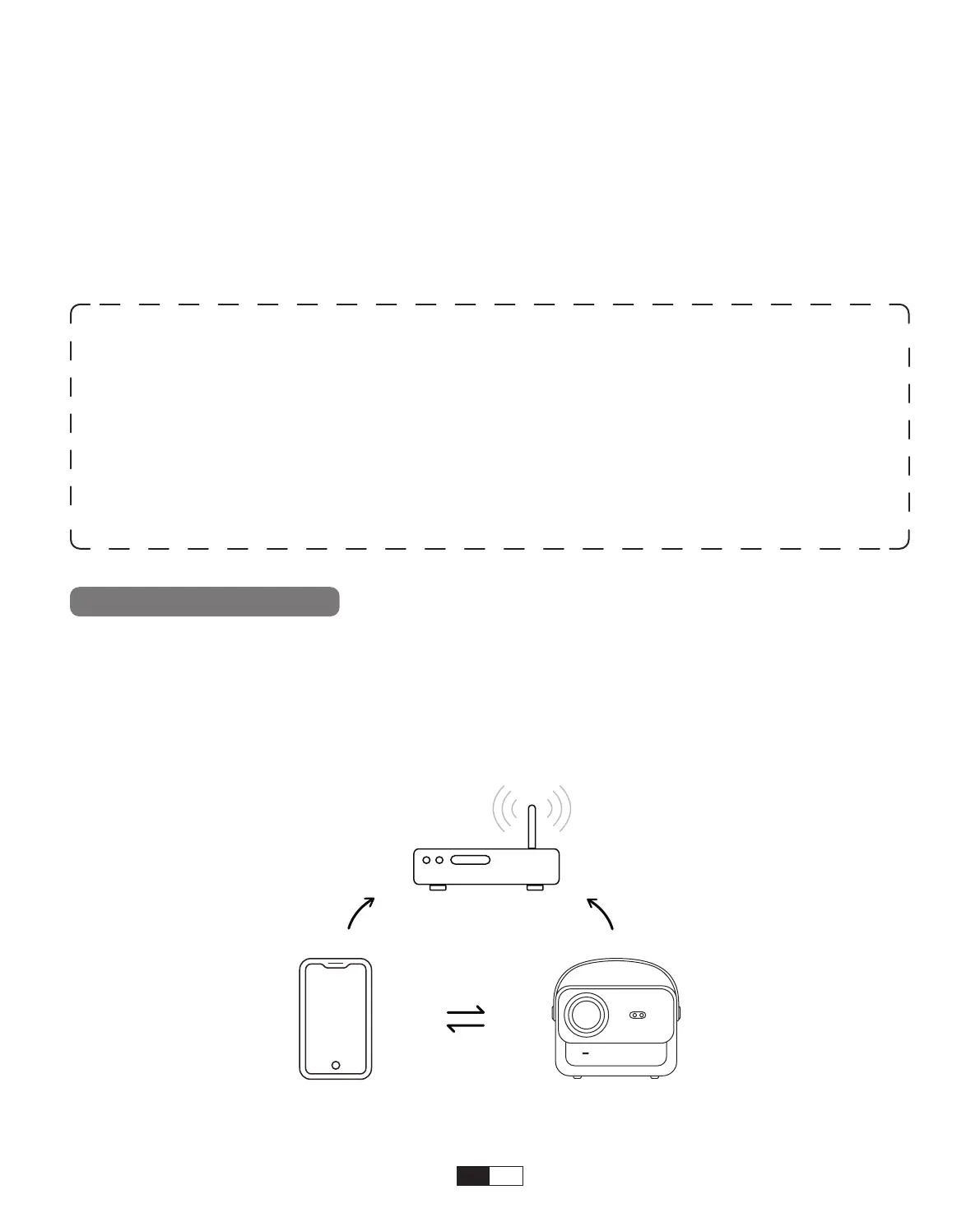
5. Screencast
Step1:
Connect the projector and your mobile device to the same router's WiFi
• iOS Wi-Fi Mirroring
iOS Cast (for iOS Devices)
This option is not required to select AV input source
• Wired Speaker and Headphones Connection
Warming Tips:
1. The fluency of screen mirroring with wireless connection will be affected by the
network environment. A bandwidth of 100Mbit or more is recommended when
using screen mirroring.
2. Make sure your mobile device is close to the projector when using wireless
connection. A distance within 1 meter is recommended.
3. Some mobile devices may not support screen mirroring due to the compatibility.
4. Any questions, please feel free to email YABER via
aftersales@yabertech.com



 To Next Page