13
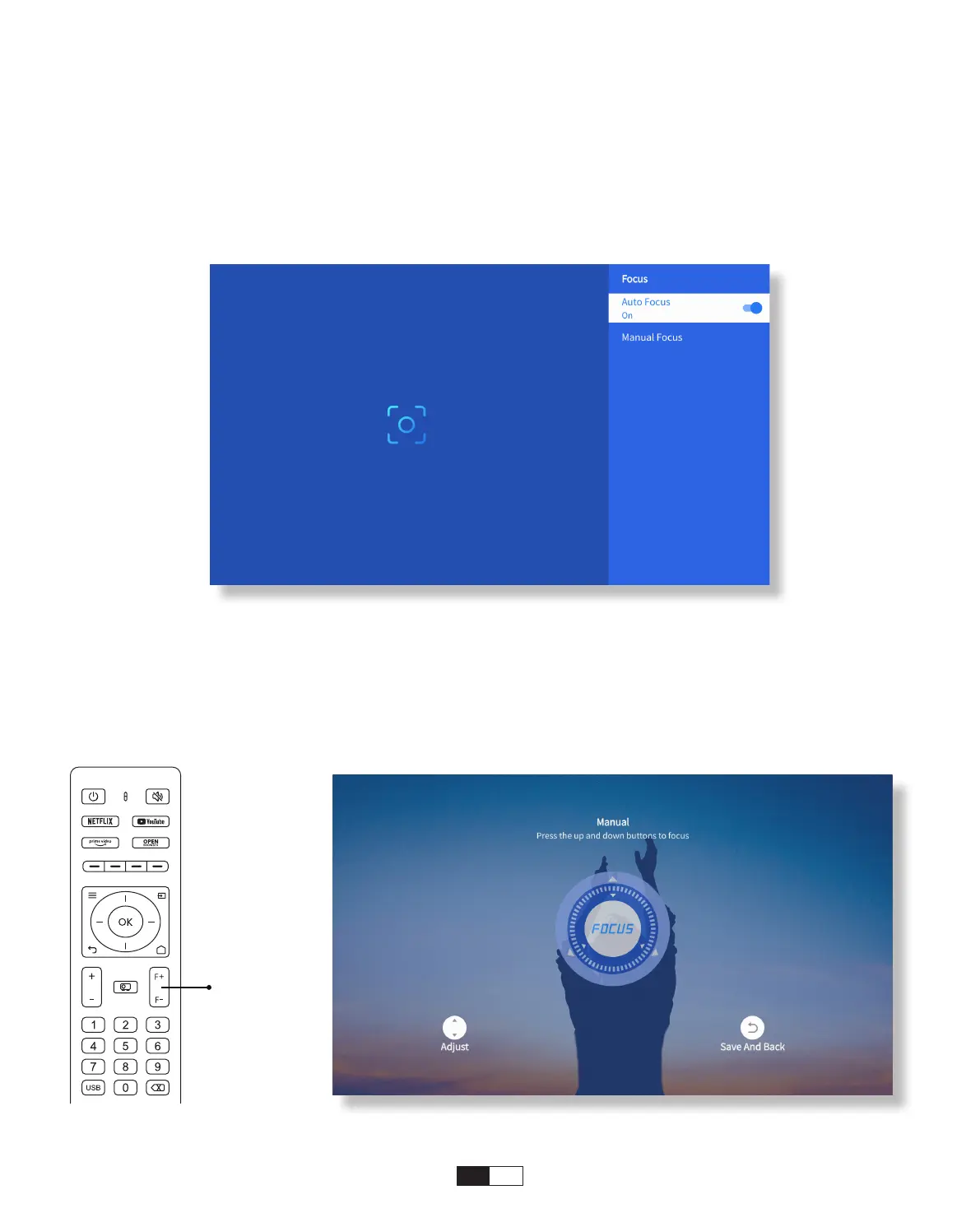
When the projector is turned on, please wait for a few seconds, it will automatically
adjust the focus. (If not, ensure the auto focus function is activated in Settings ->
Focus -> Auto Focus -> On)
You can also adjust the clarity of the screen by clicking or holding down the F+ and F-
buttons on the remote control.
• Auto Focus
• Eletric Focus
2. Image Adjustment
Focus +/-



 To Next Page