34
Step1: Use a
Type-C to HDMI adapter
to connect your MacBook, or a Mini
Display to
HDMI adapter
to connect with your MacBook Air.
(Adapter NOT INCLUDED)
Step2: Choose the media signal channel : ”HDMI”
Computer only:
it is the default option – only displays on the main monitor.
Duplicate:
make all the monitors display the same thing duplicating the desktop on
each monitor.
Extend:
make all your monitors act like one big monitor extending the desktop across
all of them.
Projector only:
display only on the secondary monitor like a projector.
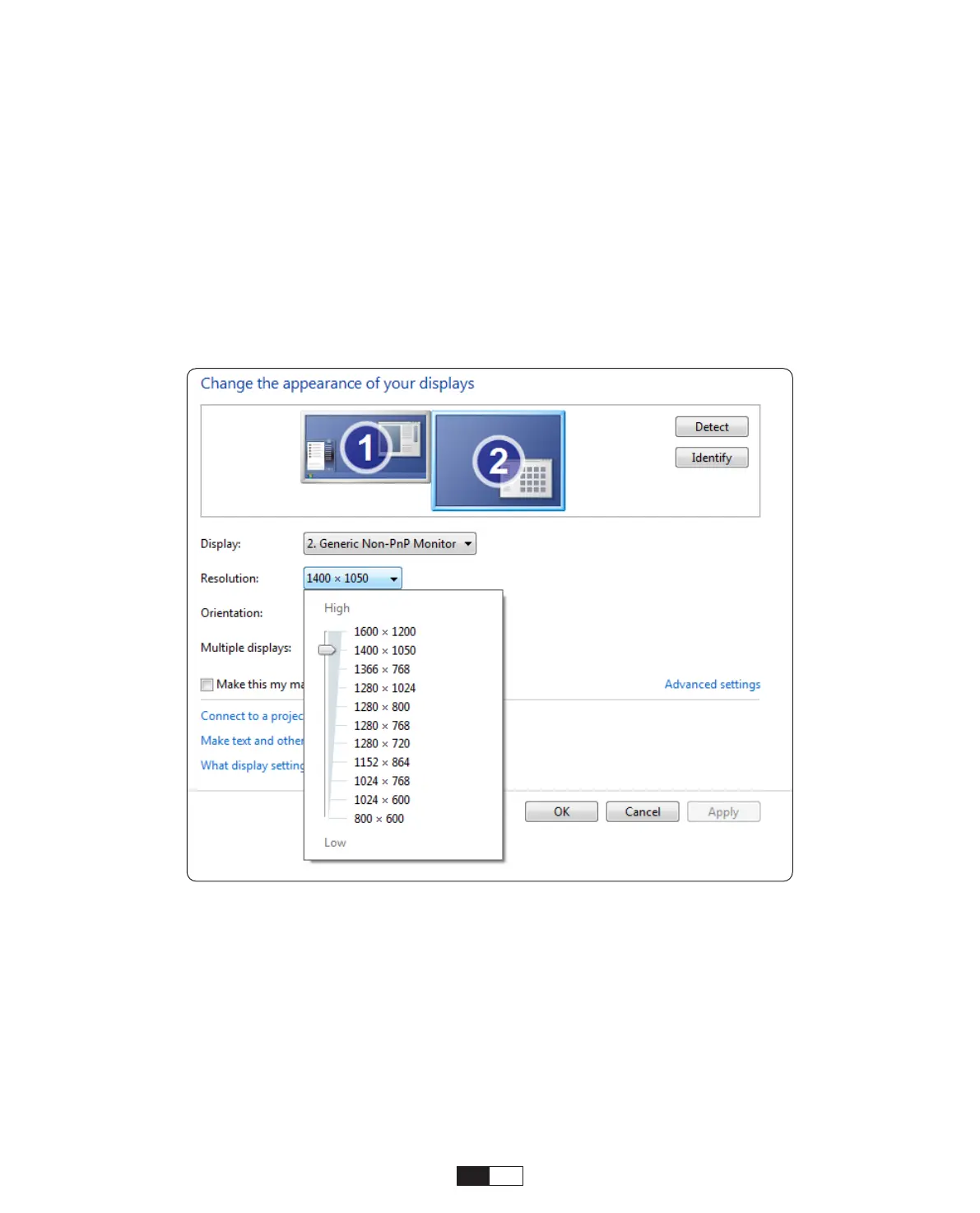
To change the screen resolution in Projector Only mode, follow these steps:
Step:
Start -> Control Panel -> Appearance and Personalization -> Adjust Screen
Resolution
③
Connecting with MacBook or MacBook Air



 To Next Page