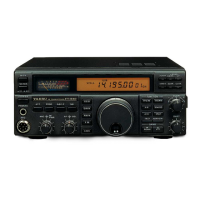
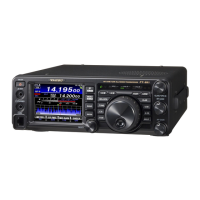
FT991 and WSJT-X setup
i. MOX, VOX and MONI = off
Turn off the FT991 and make certain the USB cable is not connected to your computer yet
Install the USB drivers from the Yaesu web site onto your computer which will be running wsjt-x.
1. Once the drivers are installed according to the instructions there, turn on the FT991 and
plug the USB cable into your computer. You’ll hear a few sounds as it sets up the drivers and
recognized the FT991.
2. After the computer is finished setting up the ft991 com ports (all those sounds you heard),
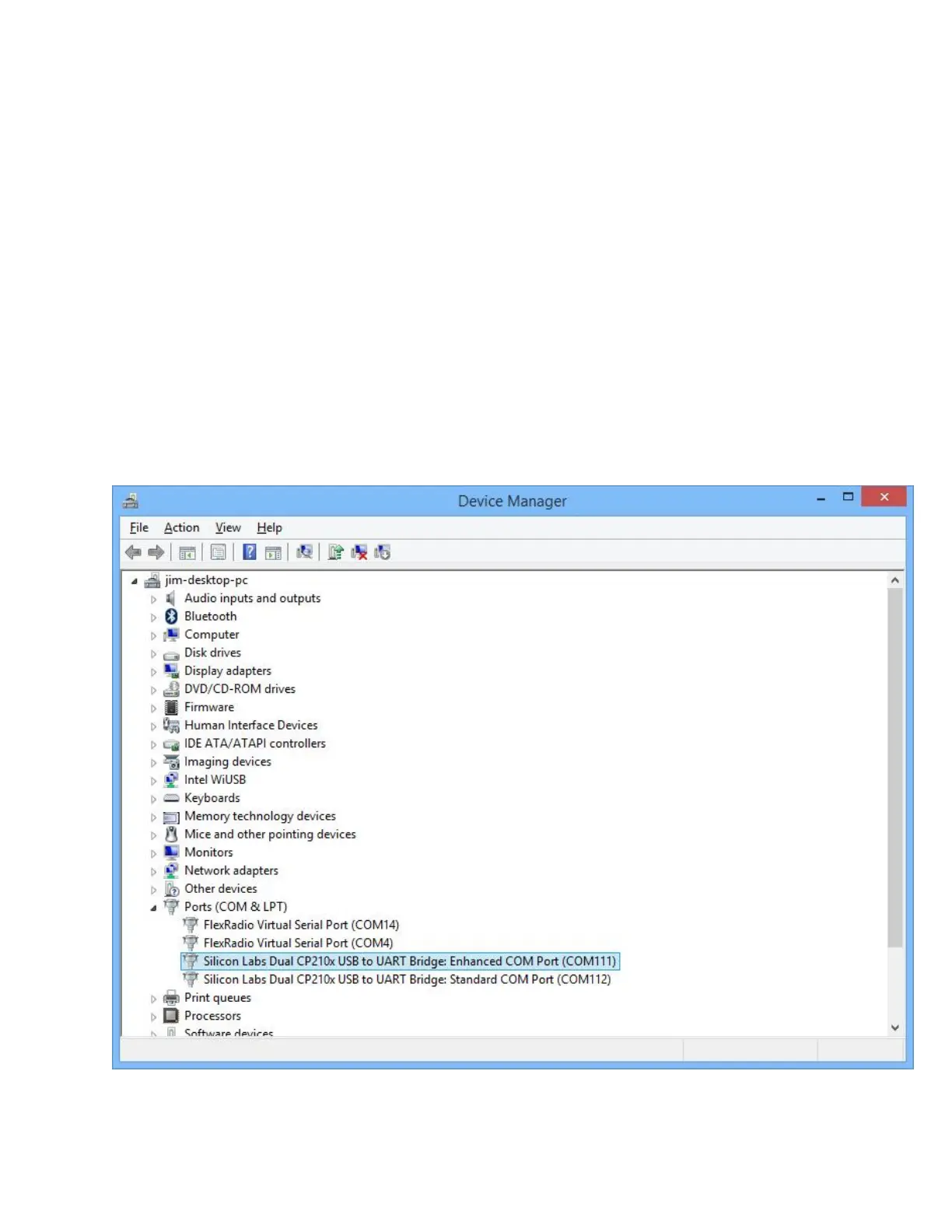
open the device manager on your computer and find the two new Silicon Labs COM ports
that were set up. Remember these two com port numbers…in my case, they were named
com111 and com112 on my desktop PC. When I installed these drivers on my laptop, they
were named com4 and com5. You’ll also need to remember which one is the enhanced port.
3. Close the device manager


 To Next Page