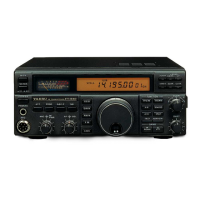
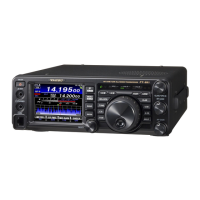
FT991 and WSJT-X setup
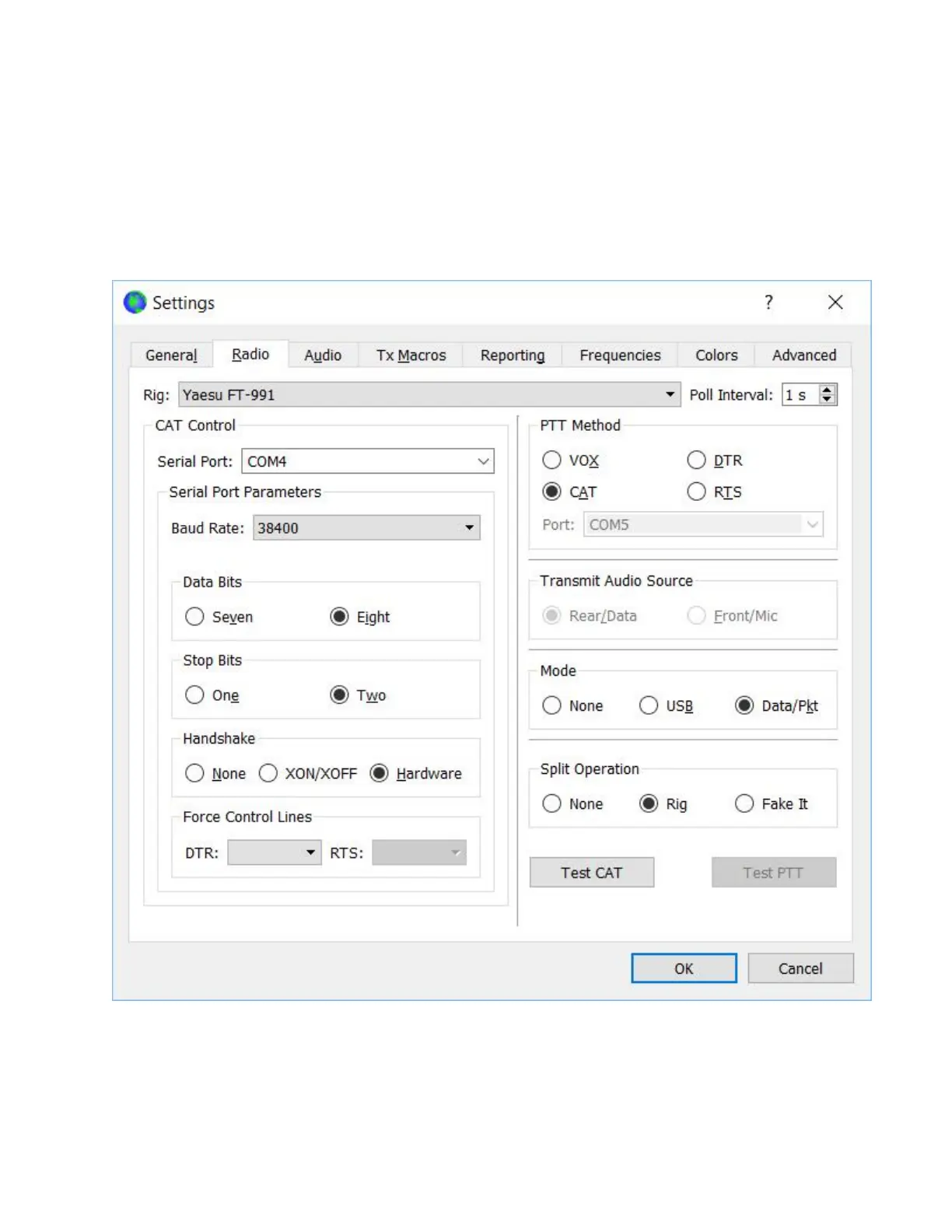
2. Now go to the radio tab and set the CAT control com port to the enhanced port number you
remembered from the computer device manager (mine was com4 for this laptop). Set all
the other parameters as shown below.
3. With your FT991 connected to a dummy load, click the Test CAT radio button; if all is set up
properly, it should turn green in a second or two. When it turns green, test the PTT by
clicking on the Test PTT radio button. The FT991 should go into transmit mode. Click the
Test PTT again to return to receive.


 To Next Page