22
P/N YRD604-KF-ZW-0044 Rev A
Configuring Your Lock
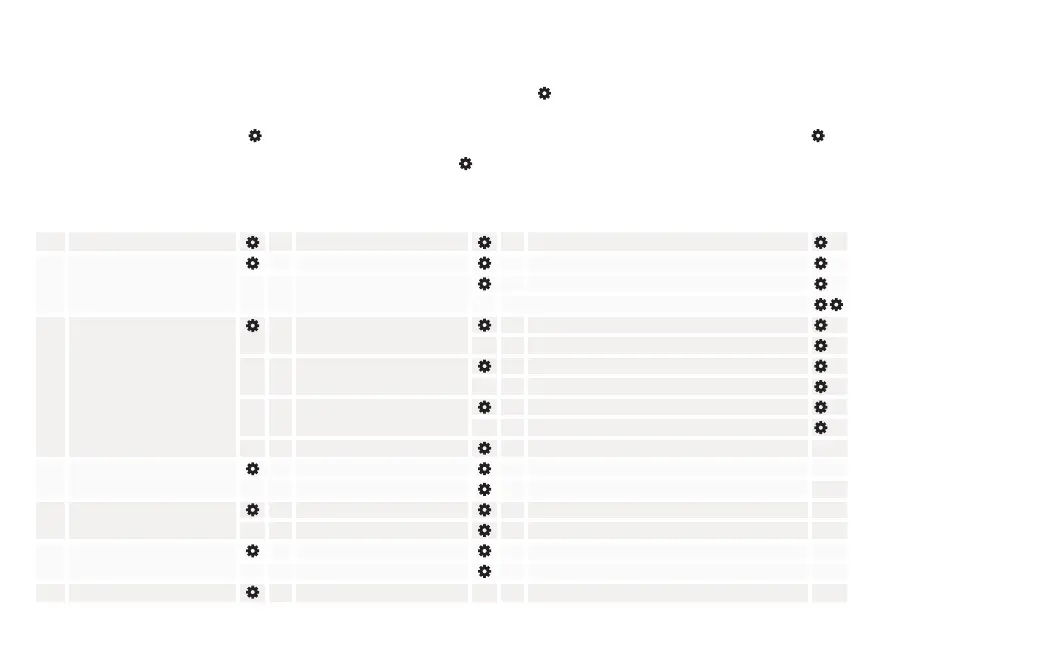
1 Programming Code Setting 1 Change the programming code 1 Enter a 4 – 8 digit user code
2 User Codes 1 Create User codes 1 Enter a 4 – 8 digit user code
3 Remove User codes 3 Enter a 4 - 8 digit user code
Enter 00 to remove all codes
3 Advanced Settings 1 Auto Relock 1 Enter a number between 1 – 180 seconds
3 Turn off
2 Inside LED 1 Turn on
3 Turn off
3 One Touch Locking 1 Turn on
3 Turn off
5 Handing the lock
4 Sound Settings 1 Turn on
3 Turn off
6 All code lock out 1 Turn on
3 Turn off
7 ZWave 1 Enroll
3 Unenroll
8 Turn on Bluetooth Advertising
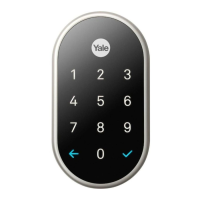
1. Press the small black button on the interior of the lock until the 1 and are illuminated on the keypad
2. Press the 1 followed by the . Enter the settings menu. Enter a 48 digit programming code, followed by the . Enter the
settings menu. Enter a 48 digit programming code. Press .
3. Choose the setting to change. Enter the digit corresponding to the function to be performed.




 To Next Page