Playing back DSD audio using foobar2000
4
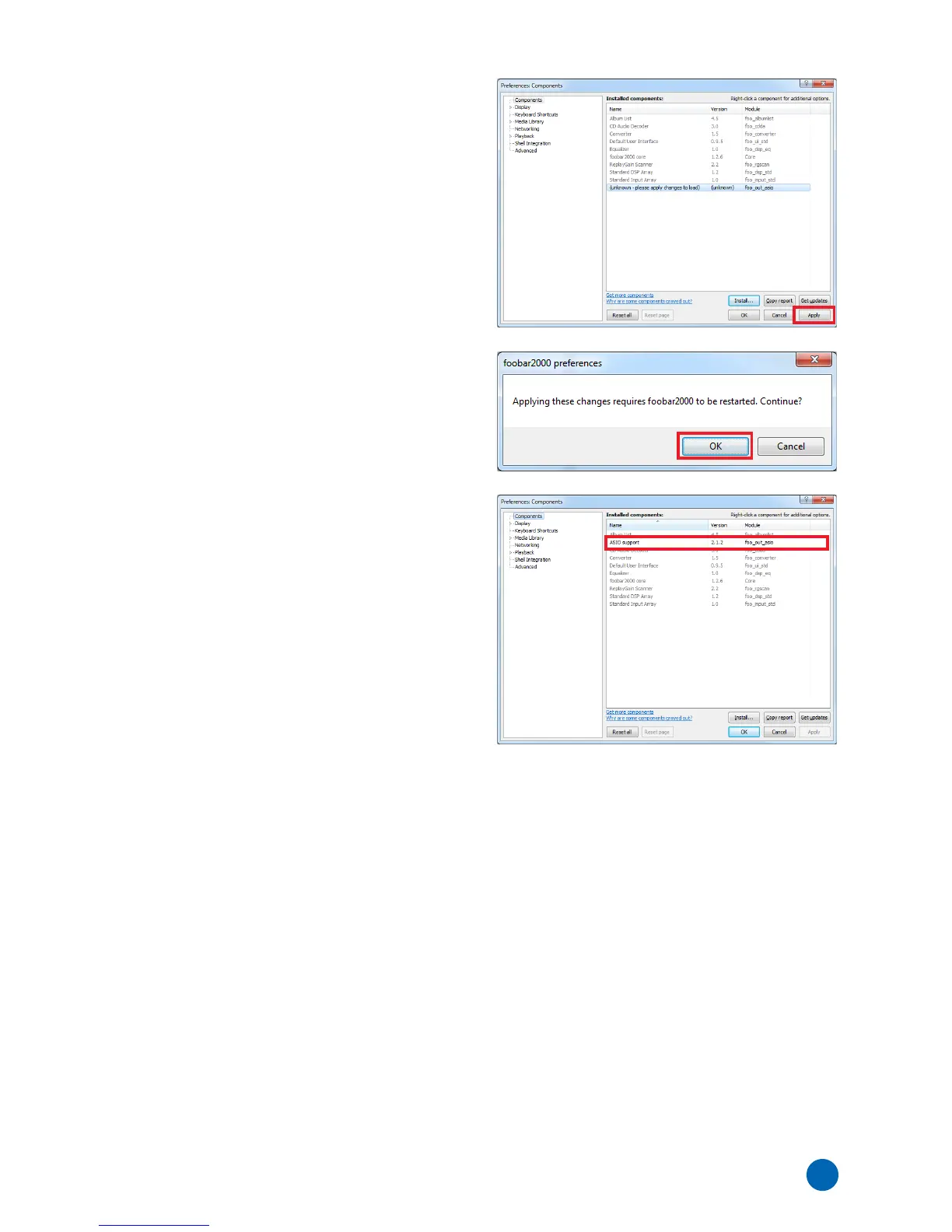
5 Click [Apply].
6 In the dialog box, click [OK] to restart
foolbar2000.
7 If foolbar2000 is restarted, click [File]
[Preferences] [Components], then confirm
“ASIO support” is listed in “Installed
components”.
Installation of the “ASIO support” component is now
completed.



 To Next Page