EasyManua.ls Logo

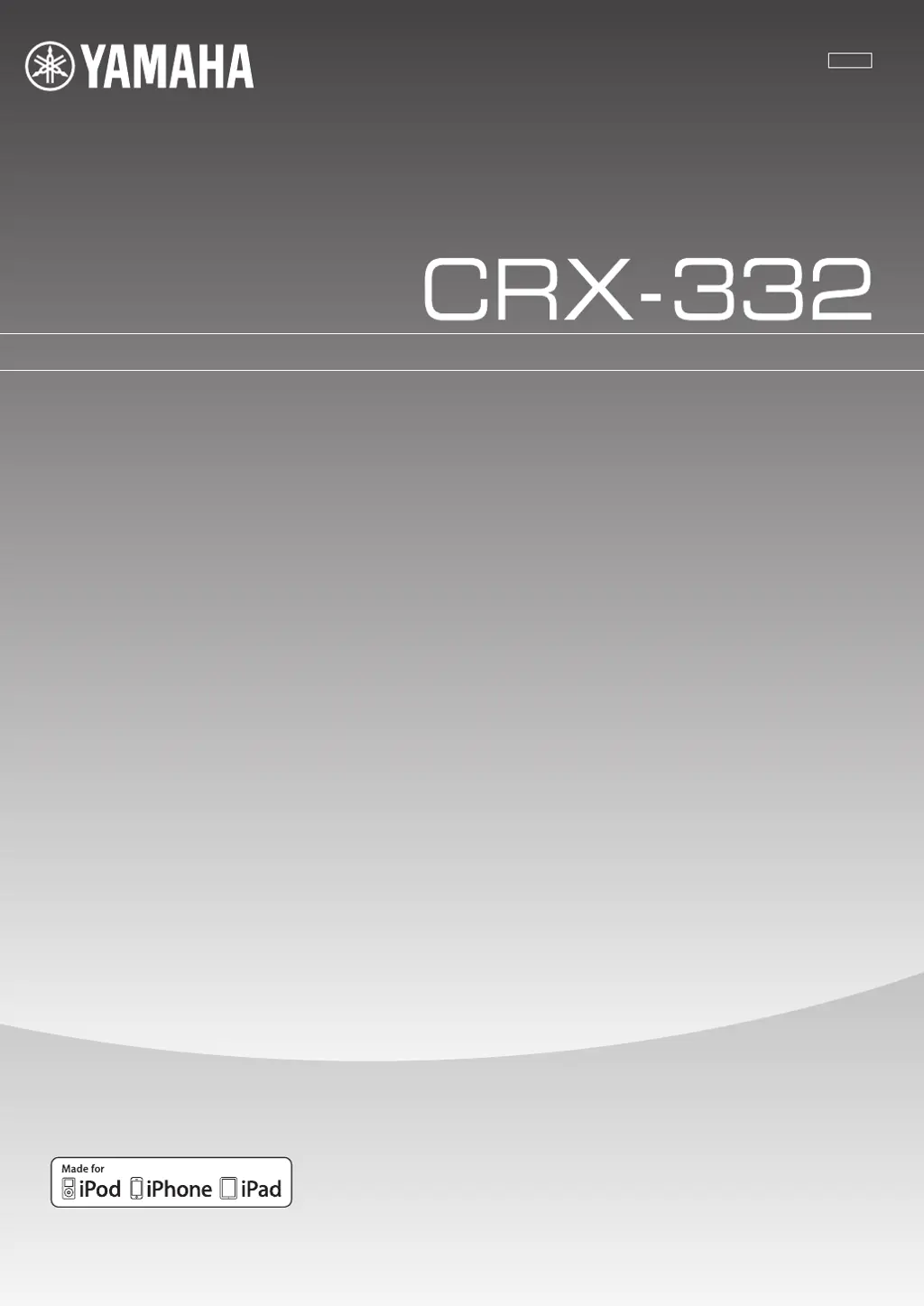
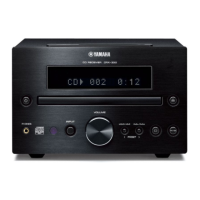
Yamaha CRX-332 - User Manual

Yamaha CRX-332
39 pages
Print Icon
To Next Page IconTo Next Page
Loading...
OWNER’S MANUAL
MANUAL DE INSTRUCCIONES
LV
CD RECEIVER

Table of Contents

Questions and Answers

  • W
    waltermooreSep 23, 2025
    Why isn't playback information displayed on my Yamaha Receiver?
    • R
      Randy EdwardsSep 23, 2025
      If playback information isn't showing on the front panel display of your Yamaha Receiver, the connected iPod/iPad may not be compatible with the playback information display. Only iPod classic, iPod nano (2nd generation and later), iPod touch, iPhone, and iPad are supported.
  • T
    Tina LewisAug 25, 2025
    Why is there no sound coming from my Yamaha CRX-332?
    • C
      chadwallaceAug 25, 2025
      There could be several reasons for this. Ensure that you have selected the appropriate input source using the INPUT button on the front panel or the source buttons on the remote control. Also, the unit might be off, so connect the power cable correctly. Another possible cause is that the signals from your source component cannot be reproduced by this unit.
  • B
    brownpatriciaAug 25, 2025
    What to do if my Yamaha CRX-332 Receiver remote control does not work?
    • J
      Jamie PageAug 26, 2025
      The remote control sensor on the Yamaha Receiver might be exposed to direct sunlight or strong lighting; try adjusting the lighting or the receiver's orientation. Also, make sure you are within the remote's operational range. Check for any obstacles between the remote and the receiver's sensor and remove them. Finally, the batteries in the remote might be worn out, so try replacing them with new ones.
  • T
    Tina FrancoAug 27, 2025
    What to do if my Yamaha CRX-332 suddenly turns off?
    • C
      Christine HodgeAug 27, 2025
      The sleep timer may be activated. Turn the unit back on and resume playback. Also, the unit automatically turns off if left on for 1 hour without any operation.
  • R
    Rhonda ChoiSep 23, 2025
    What to do if the preset selecting function does not work on Yamaha Receiver?
    • R
      Robert RobinsonSep 23, 2025
      If the preset selecting function isn't working on your Yamaha Receiver, the preset memory may have been erased. Try presetting the radio stations again.
  • T
    Tommy JenningsSep 13, 2025
    Why is there no sound when I connect my iPod/iPad to my Yamaha CRX-332 Receiver?
    • T
      todd71Sep 13, 2025
      Make sure the power is on. Update your iPod/iPad software to the latest version via iTunes. The iPod/iPad may be in the process of connecting, so wait a moment. Also, ensure the iPod/iPad is correctly connected by removing it and reconnecting it.
  • J
    Julie JohnsonSep 12, 2025
    Why does my Yamaha CRX-332 Receiver suddenly skip to another track?
    • C
      Chad WoodsSep 12, 2025
      The iPod’s Shake to Shuffle function may be turned on. Turn off the Shake to Shuffle function in the iPod’s settings.
  • D
    Donna JenkinsSep 12, 2025
    Why isn't my Yamaha Receiver's preset selecting function working?
    • M
      Michael HunterSep 12, 2025
      The preset (memory) may have been erased. Preset radio stations again.
  • K
    keithhensleySep 4, 2025
    Why is my iPod not charging when connected to my Yamaha CRX-332 Receiver?
    • B
      brandon11Sep 4, 2025
      The iPod/iPad is not connected correctly. Remove the iPod/iPad from the unit, then connect it again.
  • D
    donna38Sep 1, 2025
    Why is FM stereo reception noisy on my Yamaha Receiver?
    • M
      Michael ShermanSep 2, 2025
      Check the antenna connections to ensure they are properly connected. If the transmitter is too far away or the antenna input is poor, try using a high-quality directional FM antenna.

Summary

CAUTION: READ THIS BEFORE OPERATING YOUR UNIT

WARNING

Reduce risk of fire or electric shock by avoiding rain or moisture.

LASER SAFETY

Only qualified personnel should service this device due to laser use.

DANGER

Avoid direct eye exposure to laser beam when unit is open or plugged in.

PLAYABLE DISCS AND FILE FORMAT

Playable Discs

Lists compatible disc types including CD, CD-R/RW, and CD-TEXT.

CONNECTION

Connecting Speakers, Antenna, and Subwoofer

Procedure for connecting speakers, FM antenna, and subwoofer.

FRONT PANEL AND BASIC OPERATION

LISTENING TO MUSIC

Playback Operation

Procedures for playing music from iPod, iPad, USB, and CD.

LISTENING TO FM RADIO STATIONS

USING USEFUL FUNCTIONS

TROUBLESHOOTING

General Troubleshooting

Common problems and solutions for the unit not turning on, operating, or having no sound.

iPod;iPad Troubleshooting

Troubleshooting specific issues related to iPod and iPad connections and operation.

Disc Playback Issues

Solutions for problems like no sound, distorted sound, or discs not playing.

USB;iPad Troubleshooting

Troubleshooting for USB device recognition, playback, and file format issues.

Radio Reception Issues

Solutions for noisy FM reception, tuning issues, and preset function errors.

Remote Control Malfunctions

Troubleshooting steps for remote control malfunctions, range, and battery issues.

Yamaha CRX-332 Specifications

General IconGeneral
Receiver typestereo
Audio output channels2.0 channels
Total Harmonic Distortion (THD)0.04 %
Power output per channel (1KHz@6 Ohm)20 W
Power output per channel (20-20KHz@8 Ohm)- W
HDMI in-
Audio (L/R) in1
Banana connector4
Connectivity technologyWired
Speakers connectivity typeBinding post
Audio formats supportedMP3, WMA
Ethernet LANNo
Supported radio bandsAM, FM
Preset stations quantity60
Optical drive typeCD player
Disc types supportedCD, CD-R, CD-RW
Optical drive includedYes
Product colorBlack
USB 2.0 ports quantityUSB 2.0 ports have a data transmission speed of 480 Mbps, and are backwards compatible with USB 1.1 ports. You can connect all kinds of peripheral devices to them.
Apple docking compatibilityiPod
Power consumption (standby)0.3 W
Power consumption (typical)32 W
Package weight4500 g
Package depth397 mm
Package width279 mm
Package height200 mm
Weight and Dimensions IconWeight and Dimensions
Depth317.5 mm
Width181 mm
Height117.5 mm
Weight2950 g

Related product manuals