29
DBR10/DBR12/DBR15
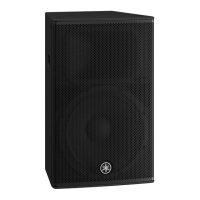
This test program is applied to the DBR10, DBR12 and
DBR15.
1. Preparation
1-1. Required items
• Personal Computer
Windows machine 1 unit
Windows 7 with COM port
(CPU multi core 1.0 GHz or above,
RAM 1 GB(32 bit)/2 GB(64 bit) or above)
• Serial Interface Jig set for diagnosis :
ZF928400/ZF928401 (USB2UART-CP2102 x 1,
4 pin cable x 1)
If the operation system is Windows XP, download the
USB-UART conversion jig driver from the YSISS homep-
age.
*For Windows 7, it is recognized as the COM port.
Seral port settings are below.
Baud rate (Bit/s) : 115200
Byte size : 8
Parity : NO PARITY
Stop bit : 1
1-2. Application for Service inspection
Download the latest version of application fi les for service
inspection from the YSISS homepage and copy them to C
drive of personal computer as shown below.
(URL >> http://plaza.yamaha.co.jp/ysiss/exindex.nsf)
• C:¥DBR¥tools¥DIAG¥DiagDBR-SERVICE.exe
• C:¥DBR¥tools¥DIAG¥DiagDBR-SERVICE.ini
These are used for displaying the instruction of test
execution and the result of execution.
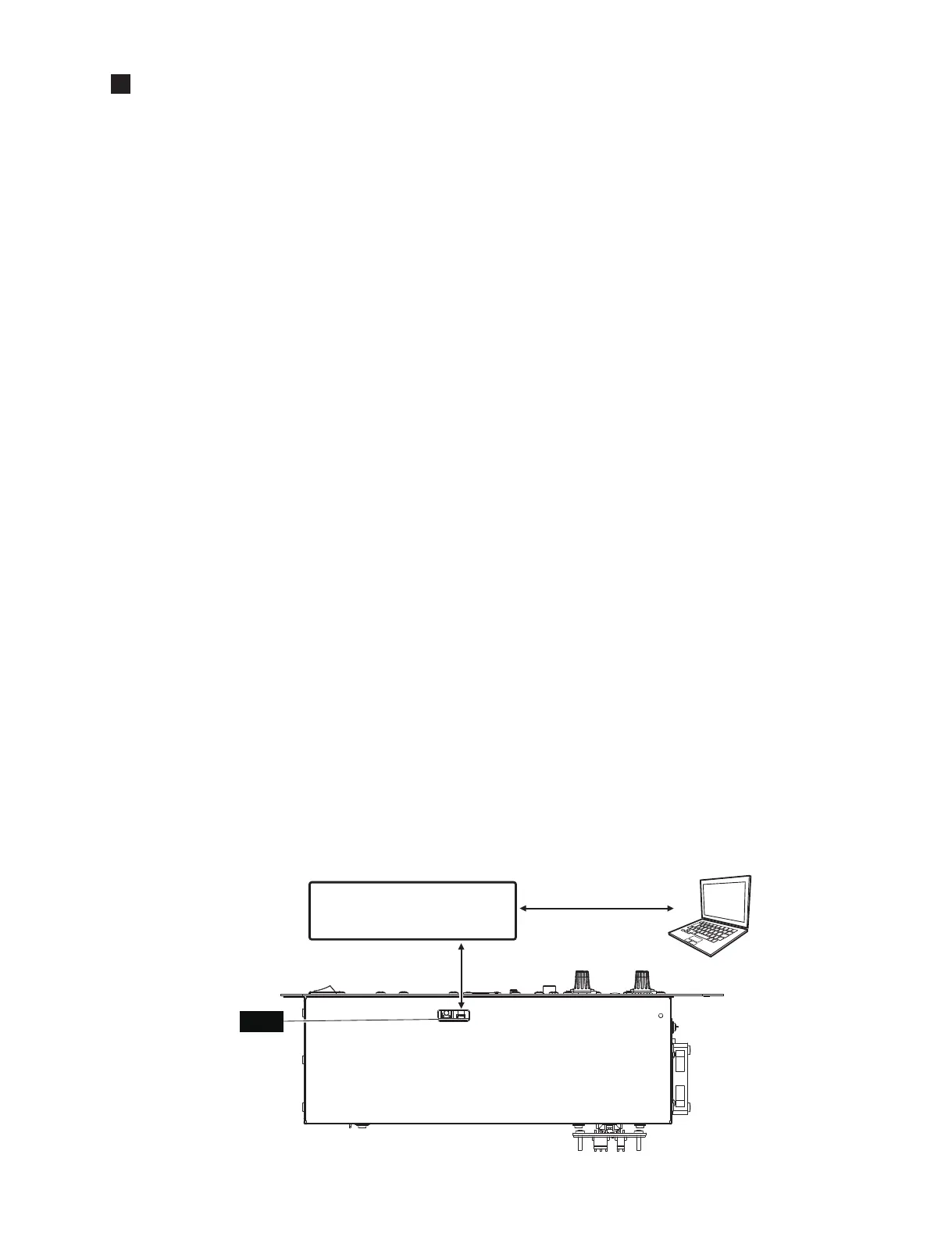
1-3. Connection
Perform connection as shown in the fi gure below.
$03$66(0%/<
3
3&
6HULDO,QWHUIDFH-LJ
(シリアルインターフェース治具)
=)=)
3
SLQFDEOH
(4 ピンケーブル)
86%8$57&RQYHUVLRQ
(USB-UARTシート)
86%8$57&3
&1
3
6:
'63
このテストプログラムはDBR10、DBR12、DBR15に適用
されます。
1. 準備
1-1. 必要なもの
•
パソコン
Windows 機1台
Windows7COM ポート有り
(CPU マルチコア1.0GHz 以上、
RAM1GB 以上 (32bit)/2GB(64bit) 以上 )
•
ダイアグ用
シリアルインターフェイス治具セット:
ZF928400/ZF928401(USB2UART-CP2102 ×1、
4 ピンケーブル×1)
OS が XP の場合は、USB-UART 変換治具のドライ
バーを YSISS ホームページからダウンロードしてく
ださい。
※Windows7 では COM ポートと認識されます。
シリアルポート設定は下記の通りです。
Baudrata(Bit/s):115200
Bytesize:8
Parity:NOPARITY
Stopbit:1
1-2. サービス検査用アプリケーション
YSISS ホームページからサービス検査用アプリケー
ションファイル最新版をダウンロードし、パソコンの
C ドライブに下記のようにコピーします。
(URL >> http://plaza.yamaha.co.jp/ysiss/index.nsf)
• C:¥DBR¥tools¥DIAG¥DiagDBR-SERVICE.exe
• C:¥DBR¥tools¥DIAG¥DiagDBR-SERVICE.ini
これらはテスト実行指示と実行結果を表示するために
使用します。
1-3. 接続
下図のように接続します。
TEST PROGRAM
(テストプログラム)





 To Next Page