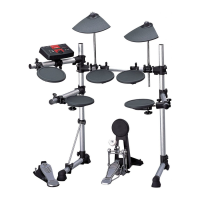
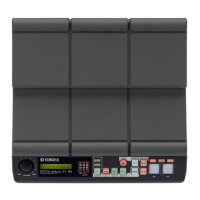
Component Names & Functions
DTX400K/DTX430K/DTX450K Owner’s Manual
22
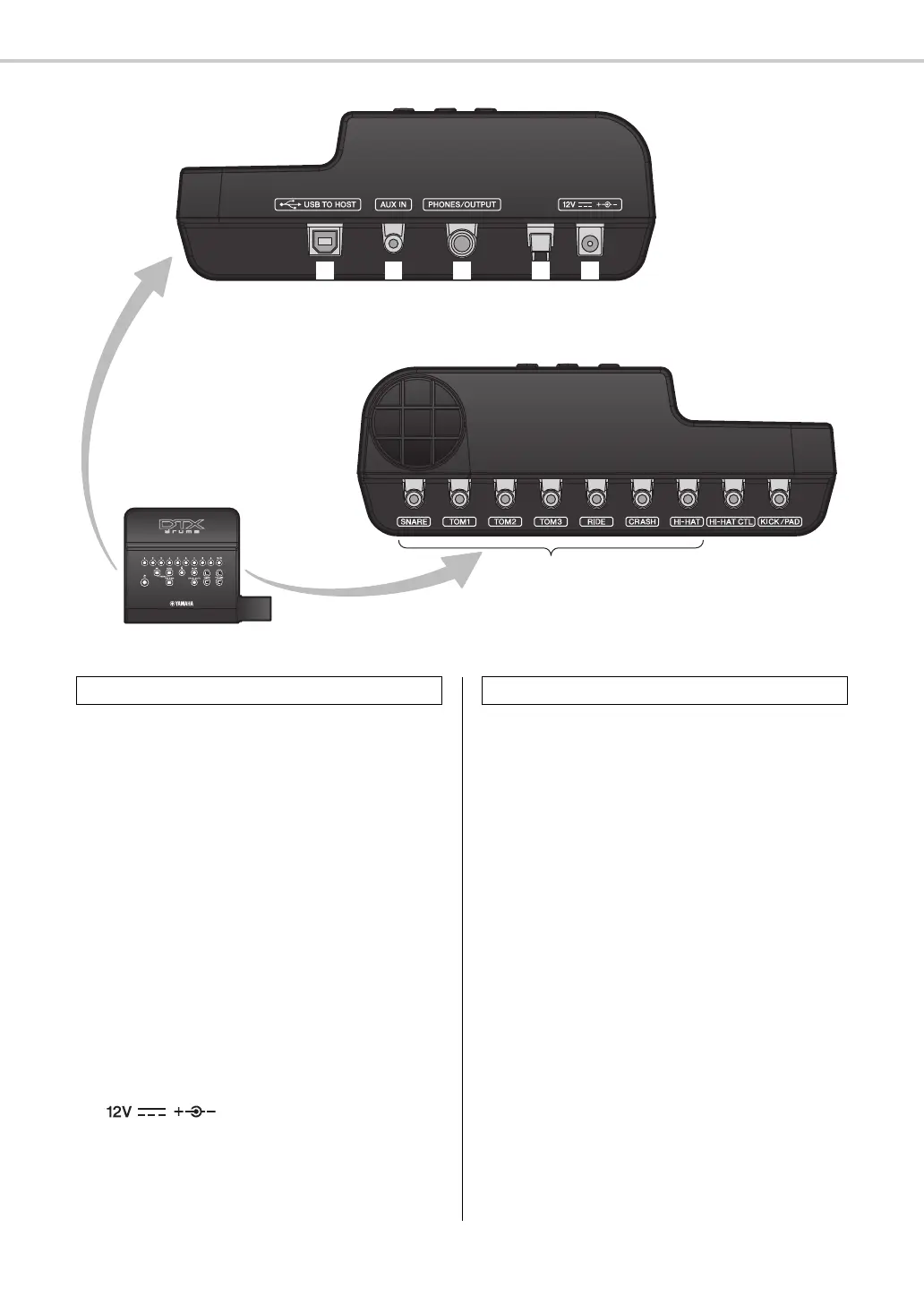
⁄1 [USB TO HOST] terminal (page 57)
This terminal is used to connect the drum module to a
computer via a USB cable.
⁄2 [AUX IN] jack (page 19)
The Auxiliary Input stereo mini-jack is used to input
audio from an external source. For example, you can use
this jack to connect a portable music player, a CD player,
or another similar device and play along with your favor-
ite tunes.
⁄3 [PHONES/OUTPUT] jack (page 19)
Use this standard stereo-audio jack to connect head-
phones, an amplifier, a mixer, or other similar equip-
ment.
⁄4 Cord clip (page 19)
Wrap the power adaptor cord around this clip to prevent
accidental unplugging during use.
⁄5 [ ] connector (page 19)
Use this connector for the power adaptor that came with
your drum module.
⁄6 Trigger input jacks (page 18)
These jacks are used to connect the snare, tom, and cym-
bal pads.
⁄7 [HI-HAT CTL] jack (page 18)
The Hi-hat Control jack is used to connect a hi-hat con-
troller.
⁄8 [KICK/PAD] jack (page 18)
Use this jack to connect a kick pad or pedal. When using
a KP65 Kick Pad, an additional pad can be connected via
the kick pad itself.
Right side
Left side
Control panel
Left Side Right Side


 To Next Page