EasyManua.ls Logo

Yamaha DV-C6480 - Progressive-Scan DVD Player - User Manual

Yamaha DV-C6480 - Progressive-Scan DVD Player
36 pages
Print Icon
To Next Page IconTo Next Page
Loading...
U
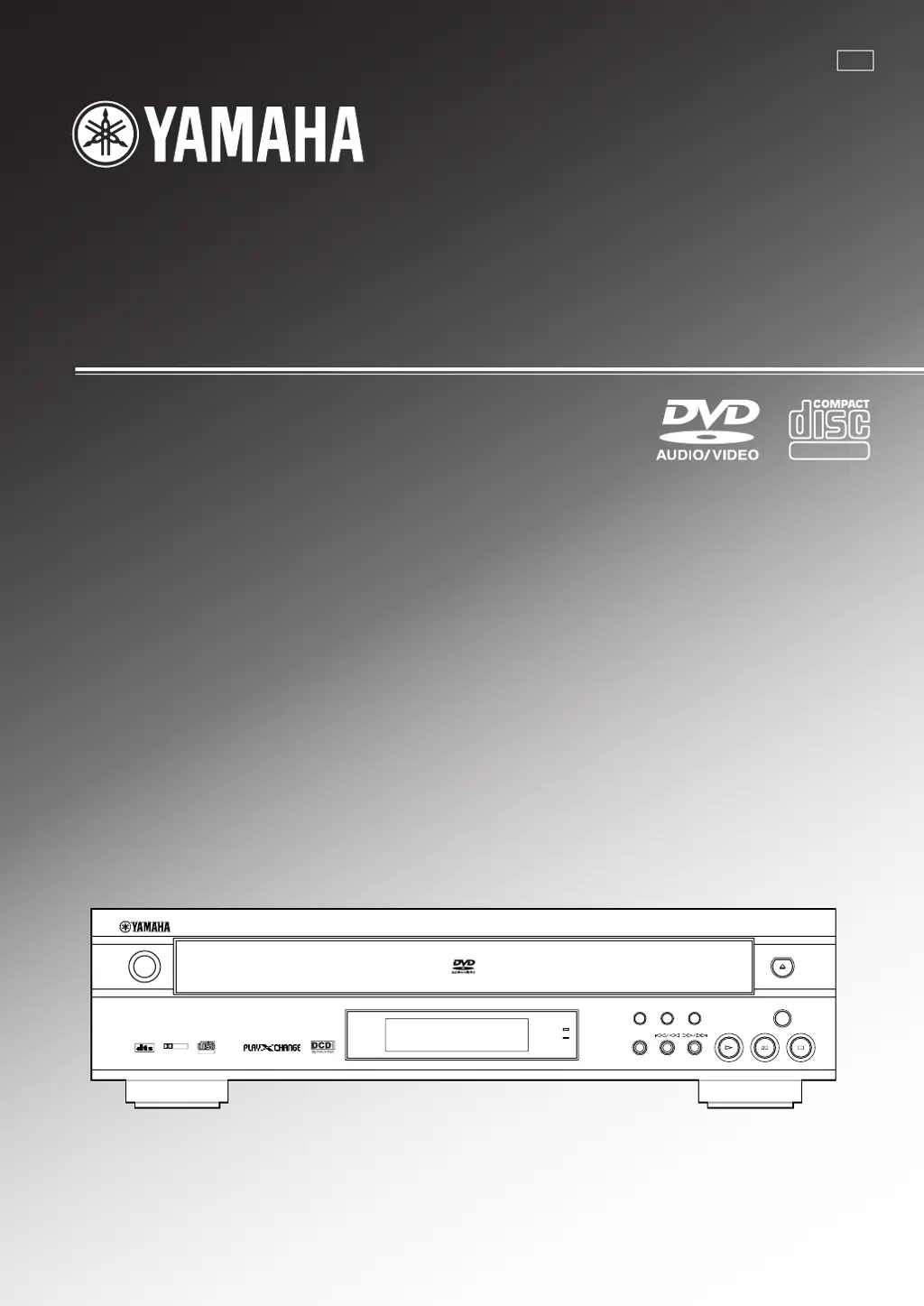
DV-C6480
DVD AUDIO/VIDEO CHANGER
OWNER’S MANUAL
DIGITAL VIDEO
NATURAL SOUND DVD AUDIO
/
VIDEO PLAYER
POWER
DIGITAL
SURROUND
DIGITAL
DOLBY
DIGITAL VIDEO
PROGRESSIVE
VIDEO OFF
GROUP VIDEO OFF
PROGRESSIVE ON
PLAY
X
CHANGE
DISC SKIP
001-C6480(U)H1 12/24/1, 2:45 PM3

Questions and Answers

  • K
    Kimberly BarkerAug 18, 2025
    Why is there no sound coming from my Yamaha DV-C6480 - Progressive-Scan DVD Player CD Player?
    • T
      Tyler DanielsAug 18, 2025
      If your Yamaha CD Player is not producing any sound, ensure that the cables are connected properly. If the problem continues, the cables may be defective and need replacement. Also, verify that the amplifier controls are set to the correct input selection.
  • S
    Stephanie CarlsonAug 21, 2025
    How to fix Yamaha CD Player that won't turn on?
    • L
      lindaolsonAug 21, 2025
      If your Yamaha CD Player fails to turn on, ensure the power cord is firmly connected to both the unit and the power outlet.
  • A
    angelaparsonsAug 23, 2025
    Why is the picture on my Yamaha CD Player distorted?
    • L
      Leslie NixonAug 23, 2025
      If the picture on your Yamaha CD Player appears incorrectly, first ensure that the 'TV aspect' setting is correctly configured. If you have a VCR connected, try connecting the CD player's video outputs directly to your video monitor or AV amplifier. For U.S.A. and Canada models, if the connected monitor cannot receive progressive signals, turn off the PROGRESSIVE feature. Also, if ghosting occurs with progressive output, try turning off the PROGRESSIVE feature.
  • A
    April DavisAug 26, 2025
    What to do if Yamaha DV-C6480 - Progressive-Scan DVD Player CD Player remote control is not working?
    • D
      david80Aug 26, 2025
      If the remote control for your Yamaha CD Player isn't working, replace all the batteries with new ones. Also, ensure that direct sunlight or bright lighting isn't interfering with the remote control sensor. If it is, relocate the unit.
  • N
    Nicole MillerAug 28, 2025
    Why does the sound 'skip' on my Yamaha DV-C6480 - Progressive-Scan DVD Player CD Player?
    • U
      usandersAug 28, 2025
      If your Yamaha CD Player is skipping sound, it might be due to vibrations or impacts affecting the unit. Try relocating the unit to a more stable surface. Also, a dirty disc can cause skipping, so try cleaning the disc.
  • R
    Rhonda Robinson DVMAug 30, 2025
    Why is there no picture from my Yamaha DV-C6480 - Progressive-Scan DVD Player CD Player?
    • J
      jennifer11Aug 30, 2025
      If there is no picture from your Yamaha CD Player, check the video connections to ensure they are correct. Also, make sure the input selection on your AV amplifier or video monitor is set to the correct input for the CD player. Ensure that VIDEO OFF is not activated by pressing the VIDEO OFF button to cancel the feature. For U.S.A. and Canada models playing PAL system DVD-Audio, picture may not be available due to video signal differences.
  • M
    Marc SimmonsSep 1, 2025
    Why is there no sound from some speakers connected to my Yamaha DV-C6480 - Progressive-Scan DVD Player CD Player?
    • D
      dthompsonSep 1, 2025
      If you are getting no sound from some speakers connected to your Yamaha CD Player, this could be due to output channels being specified by the disc with some DVD-Audio. Also, check your 'Speaker settings' if you're using 6CH DISCRETE outputs and adjust them to suit your speaker system. If the virtual surround feature is on, the audio output might be limited to two channels, so try turning virtual surround mode off.
  • D
    Dwayne BoyleSep 3, 2025
    Why does my Yamaha DV-C6480 - Progressive-Scan DVD Player sound 'hums'?
    • M
      mjohnsonSep 3, 2025
      If you are hearing a humming sound from your Yamaha CD Player, ensure that the audio cables are securely connected. If the problem persists, the cables may be defective and need to be replaced.
  • M
    Marie GrantSep 6, 2025
    What to do if Yamaha DV-C6480 - Progressive-Scan DVD Player playback does not start?
    • E
      Edward WarnerSep 6, 2025
      If your Yamaha CD Player is not playing back, first check the disc for any damage and replace it if necessary. If there is moisture on the laser pickup, wait 1 to 2 hours after switching the unit on before trying to play a disc. Ensure the disc is loaded with the label side facing up, and if the disc is dirty, clean it.
  • J
    Joseph MillerSep 8, 2025
    Why is there no sound when playing a DTS disc on my Yamaha DV-C6480 - Progressive-Scan DVD Player CD Player?
    • D
      Dwayne MillerSep 8, 2025
      If you are not hearing any sound when playing a disc encoded with DTS on your Yamaha CD Player, check the audio settings in the 'Setup menu' on the unit and the 'input mode' on your amplifier, and select the proper settings.

Summary

IMPORTANT SAFETY INSTRUCTIONS

Explanation of Graphical Symbols

Alerts users to potential hazards like electric shock and important instructions.

Important Information and Warnings

Serial number recording and warnings about rain or moisture exposure.

OPERATING PRECAUTIONS

General Operating Cautions

Covers installation, ventilation, handling, and cleaning advice for safe operation.

Specific Warnings

Details dangers of laser radiation, business use, and operating on uneven surfaces.

CONTROL REFERENCE GUIDE

Front Panel Overview

Identifies and explains the functions of the unit's front panel buttons and indicators.

Remote Control Overview

Introduces the remote control and its basic operation, listing key buttons.

CONTROL REFERENCE GUIDE

PREPARATION - CONNECTIONS

Audio Connections Overview

Details connecting digital and analog audio outputs to an AV amplifier.

Video Connections Overview

Guides on connecting video outputs to a video monitor or amplifier.

Digital Audio Outputs

Explains the use of coaxial and optical digital output terminals for audio.

Component and S-Video Connections

Details high-fidelity connections using Component and S-Video terminals.

Analog Audio Outputs

Describes the 6CH DISCRETE and MIXED 2CH analog audio output terminals.

PLAYBACK - BASIC OPERATION

Playing a Disc

Step-by-step guide on loading discs and initiating playback.

PLAYBACK - BASIC OPERATION

Enhancing Video Quality (Progressive Scan)

How to activate progressive scan for improved video output on compatible models.

ON-SCREEN MENU OPERATION

Operating the Menu Bar

Explains how to navigate and adjust items using the on-screen menu bar.

ON-SCREEN MENU DETAILS

SETUP MENU OPERATION

Operating the Setup Menu

General procedures for navigating and using the setup menu with the remote control.

SETUP MENU - SUMMARY OF SETTINGS

Disc and Video Settings

Overview of settings for preferred audio, subtitle, menu languages, TV aspect, and still mode.

Audio Settings and Speaker Configuration

Details speaker settings, PCM down conversion, and audio output options.

SETUP MENU - AUDIO AND DISPLAY

Digital Audio Output Settings

Configures digital output signal types for Dolby Digital, DTS, and MPEG.

SETUP MENU - RATINGS AND PCM

DVD-V Ratings and Restriction Levels

Sets and locks playback restrictions based on content rating, requiring a password.

SETUP MENU - SPEAKER SETTINGS

TROUBLESHOOTING GUIDE

Unit Fails to Operate or Play

Lists problems like no power, no picture, or playback issues and their solutions.

Picture and Sound Issues

Addresses incorrect picture display, delayed playback, and no sound problems.

TROUBLESHOOTING GUIDE

Sound Distortion and Skipping

Covers issues like sound distortion, skipping, hums, and nearby noise.

Yamaha DV-C6480 - Progressive-Scan DVD Player Specifications

Audio Specifications IconAudio Specifications

frequency response (DVD, 48 kHz sampling)2 Hz to 22 kHz
frequency response (DVD, 96 kHz sampling)2 Hz to 44 kHz
frequency response (DVD Audio, 192 kHz sampling)2 Hz to 88 kHz
frequency response (CD, Video CD)2 Hz to 20 kHz
harmonic distortion + noise (1 kHz)0.002 %
S/N ratio115 dB (Weighted)
dynamic range (DVD, 48 kHz, 24 bit)103 dB
dynamic range (CD, Video CD)99 dB
output level (1 kHz, 0 dB)2±0.3 V
Video Output IconVideo Output
VIDEO output1 Vp-p (75 Ω)
S VIDEO Y output1 Vp-p (75 Ω)
S VIDEO C output (NTSC)0.286 Vp-p (75 Ω)
S VIDEO C output (PAL)0.3 Vp-p (75 Ω)
COMPONENT VIDEO Y output1 Vp-p (75 Ω)
COMPONENT VIDEO PB output0.7 Vp-p (75 Ω)
COMPONENT VIDEO PR output0.7 Vp-p (75 Ω)
Power and General Specifications IconPower and General Specifications
power supply (U.S.A. and Canada models)120 V, 60 Hz
power supply (Australia model)240 V, 50 Hz
power consumption21 W
laser pickup wave length665 nm
laser powerCLASS II
laser outputMax. 1.0 mW (Continuous)
dimensions435 (W) × 116 (H) × 404 (D) mm
weight6.2 kg

Related product manuals