10
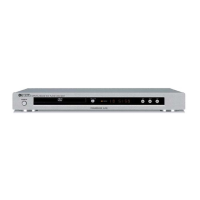
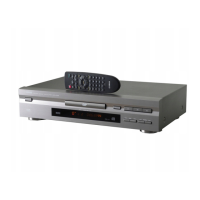
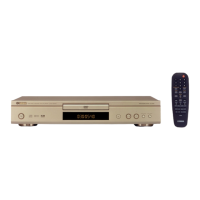
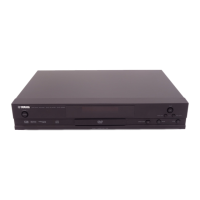
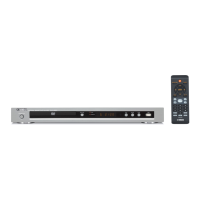
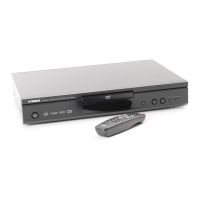
DVD-E600
DVD-E600
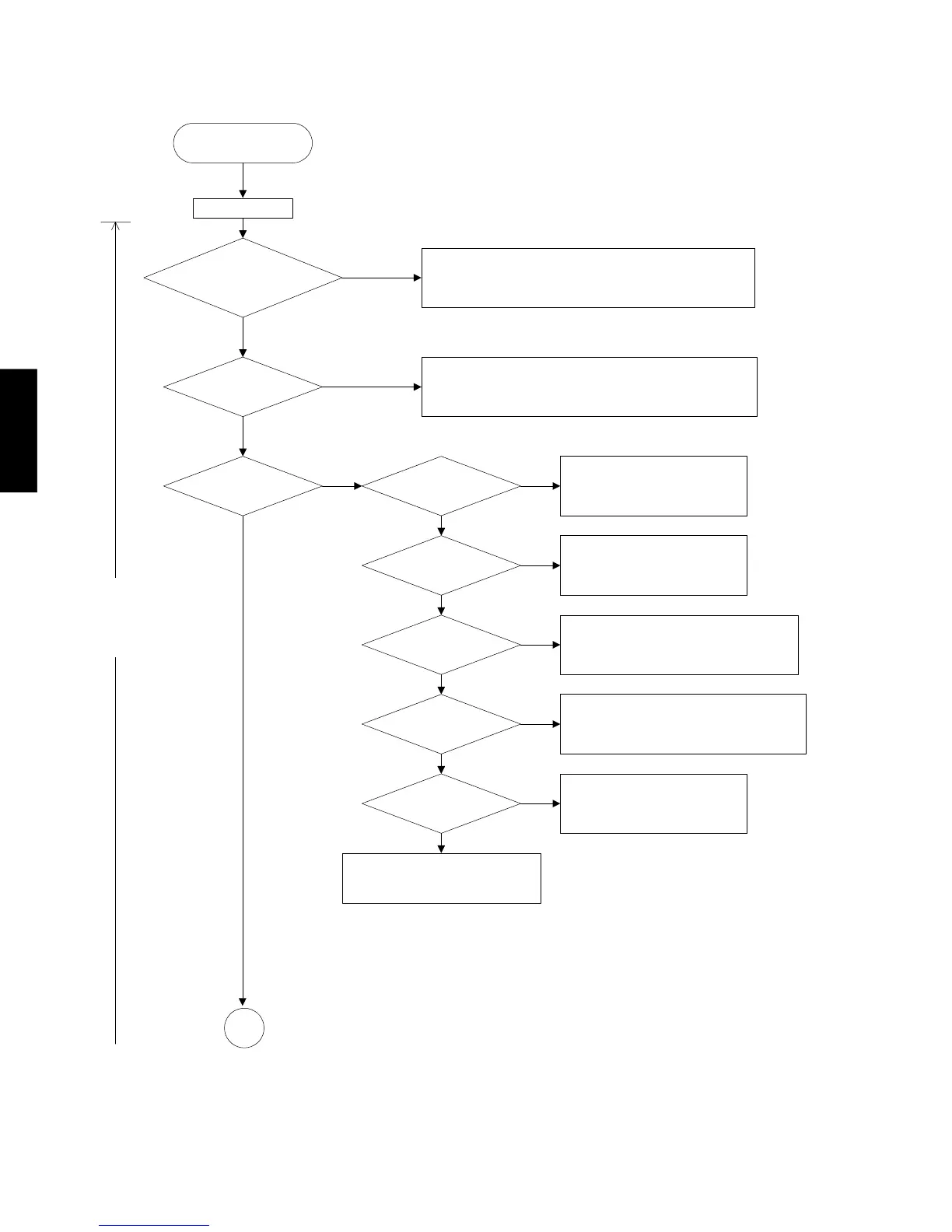
Start
Power on
Voltages
at all pins of connector (Ref 1601)
are normal ?
Are
DV33 and V25
normal ?
Is logo displayed
on TV sceen?
Is
Main Clock
normal ?
Check 74HC04 (Ref 7605) and
peripheral circuit.
Is
reset signal
normal ?
Is signal
on FLASH (Ref 7611)
normal ?
Is signal
on SDRAM (Ref 7609)
normal ?
Is image
signal normal?
Check TV connetion cable.
Check peripheral circuit of FLASH (Ref 7611)
Check peripheral circuit of SDRAM (Ref 7609)
A
Yes
No
Yes
No
Yes
No
Yes
No
Yes
No
Yes
No
Yes
No
Yes
No
1. Check Cable
2. Replace Power Supply Unit if Mono Board is not shorted,
otherwise find out first where the short is.
Check LD1117 (Ref 7601) and 1N4002 (Ref 6604) and
peripheral circuit.
Check NCP302 (Ref 7650) and
peripheral circuit.
Check AD8091 (Ref 7660, 7661)
and peripheral circuit.
MONO Board
■ MAINTENANCE FLOW CHART


 To Next Page