Getting started
24 En
■ Setting speaker channels
You can adjust the delay times and volume level for
individual speakers. This adjustment lets you optimize the
sound of your system to best suit your surroundings and
setup.
– To return to the previous menu, press .
– To exit from the menu, press SET UP.
– If the settings you have selected are not
appropriate, you can reset all settings to the initial
factory settings (see “Restoring to the factory
defaults” on page 43).
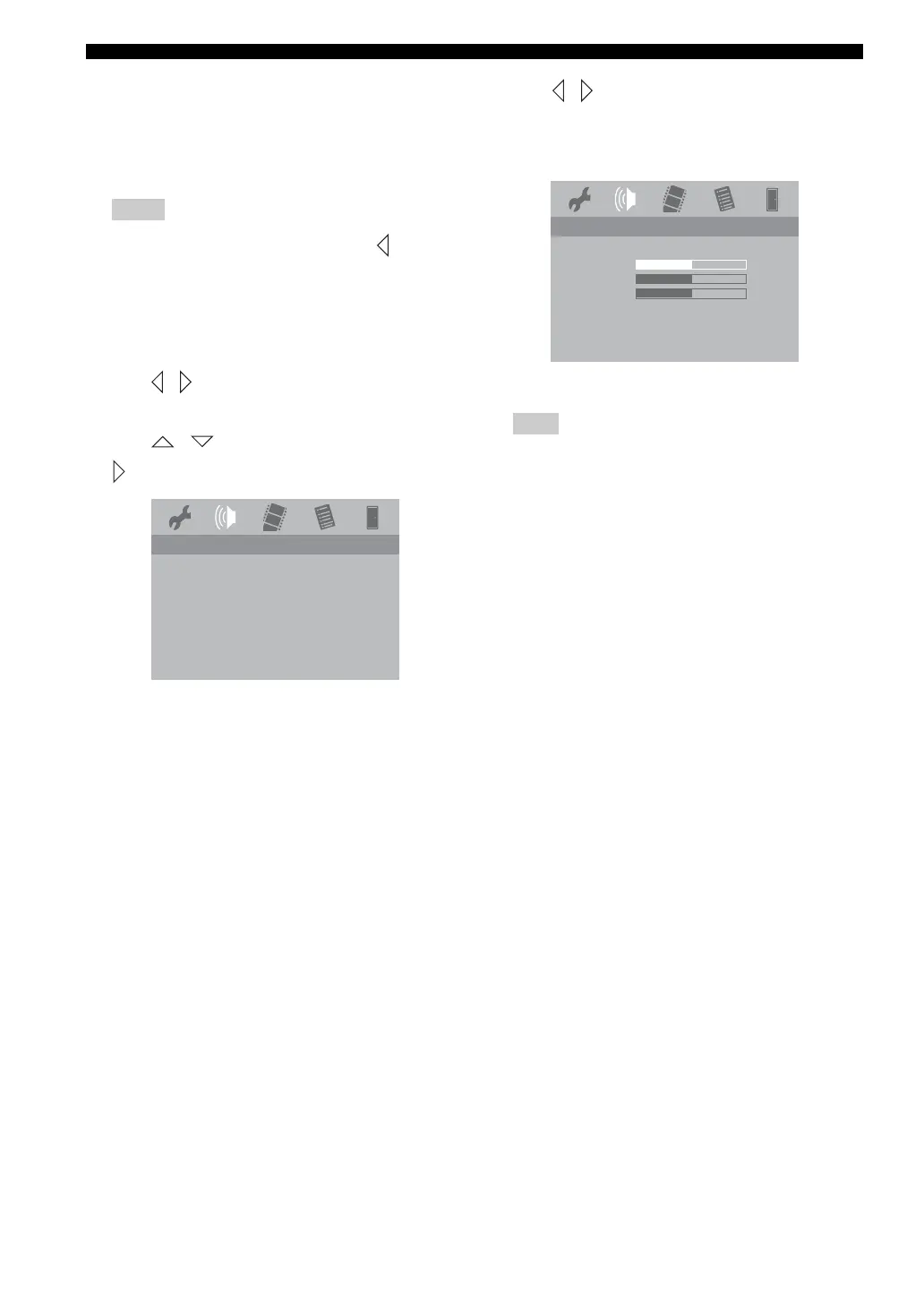
1 Press / repeatedly to select [AUDIO SETUP
PAGE].
2 Press / to highlight [SPEAKER], then press
.
→ The [SPEAKER] menu appears.
3 Press / to adjust the setting that best suit your
surround sound needs.
You can adjust the volume level for the individual
speakers from -6dB to +6dB.
4 Press ENTER to confirm.
A test tone will be automatically generated to help you judge
the sound level of each speaker.
Notes
AUDIO SETUP PAGE
HDMI AUDIO OUT
SPEAKER
CD UPSAMPLING
LIP SYNC
Note
0db
0db
0db
SPEAKER VOLUME SETUP
FRONT LEFT
FRONT RIGHT
SUBWOOFER





 To Next Page